
DocView Capture screenshotsSee every screen
Real screens from the DocView Capture web application, grouped by topic. Select any screen to enlarge it. All sample documents and data are fictional.
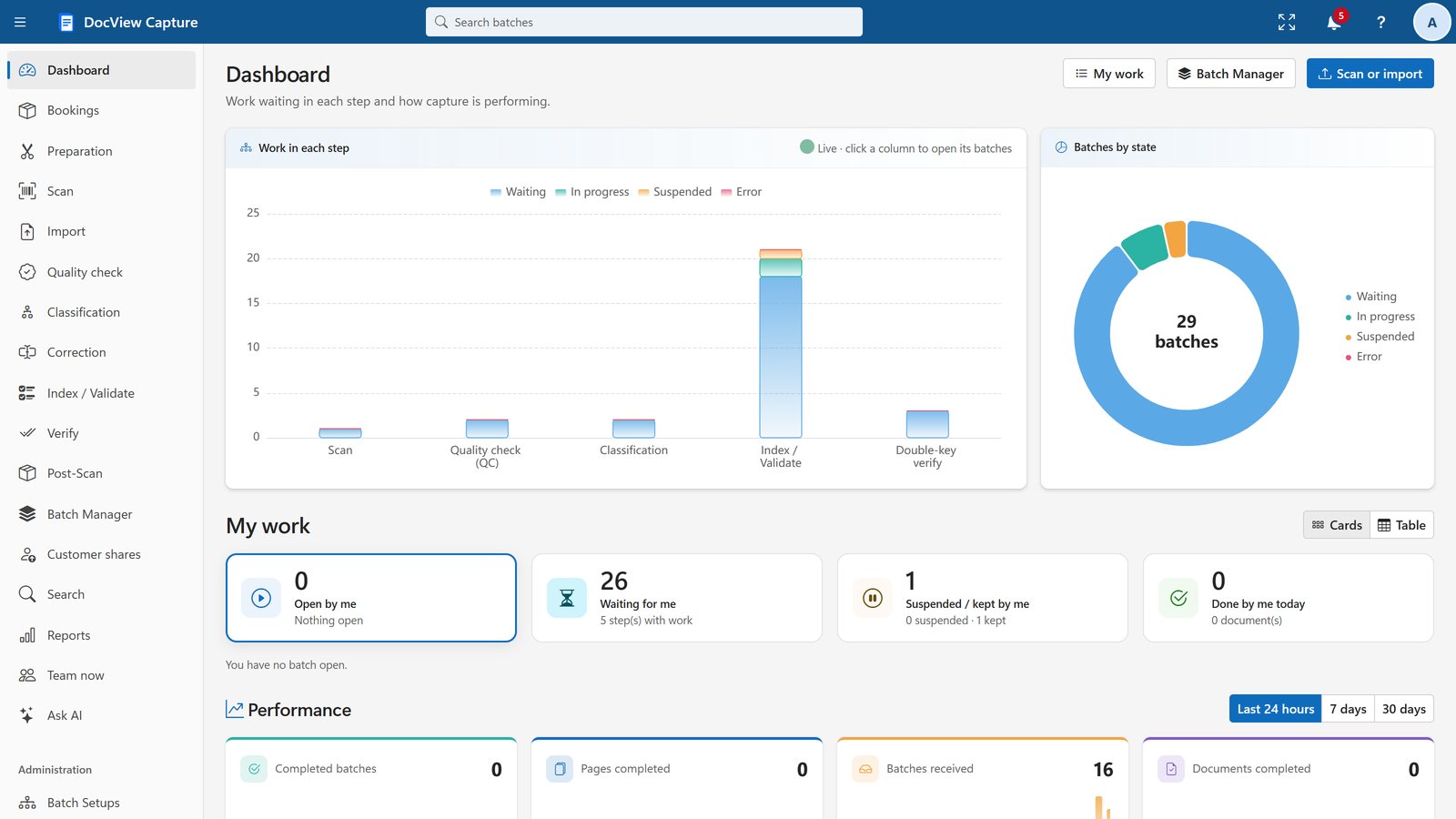
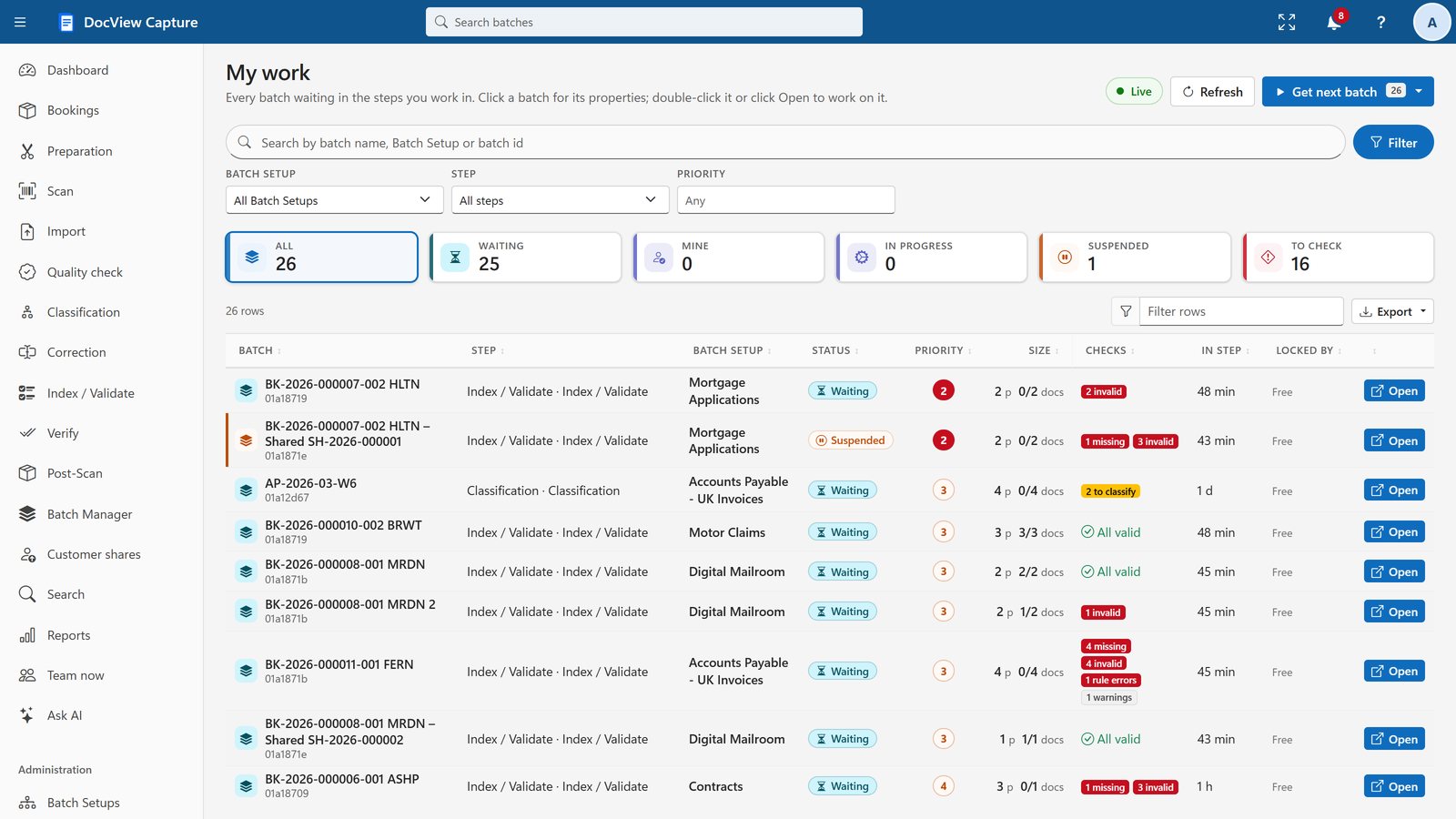
Dashboard and My Work
See the work in every step and the queue for each operator.
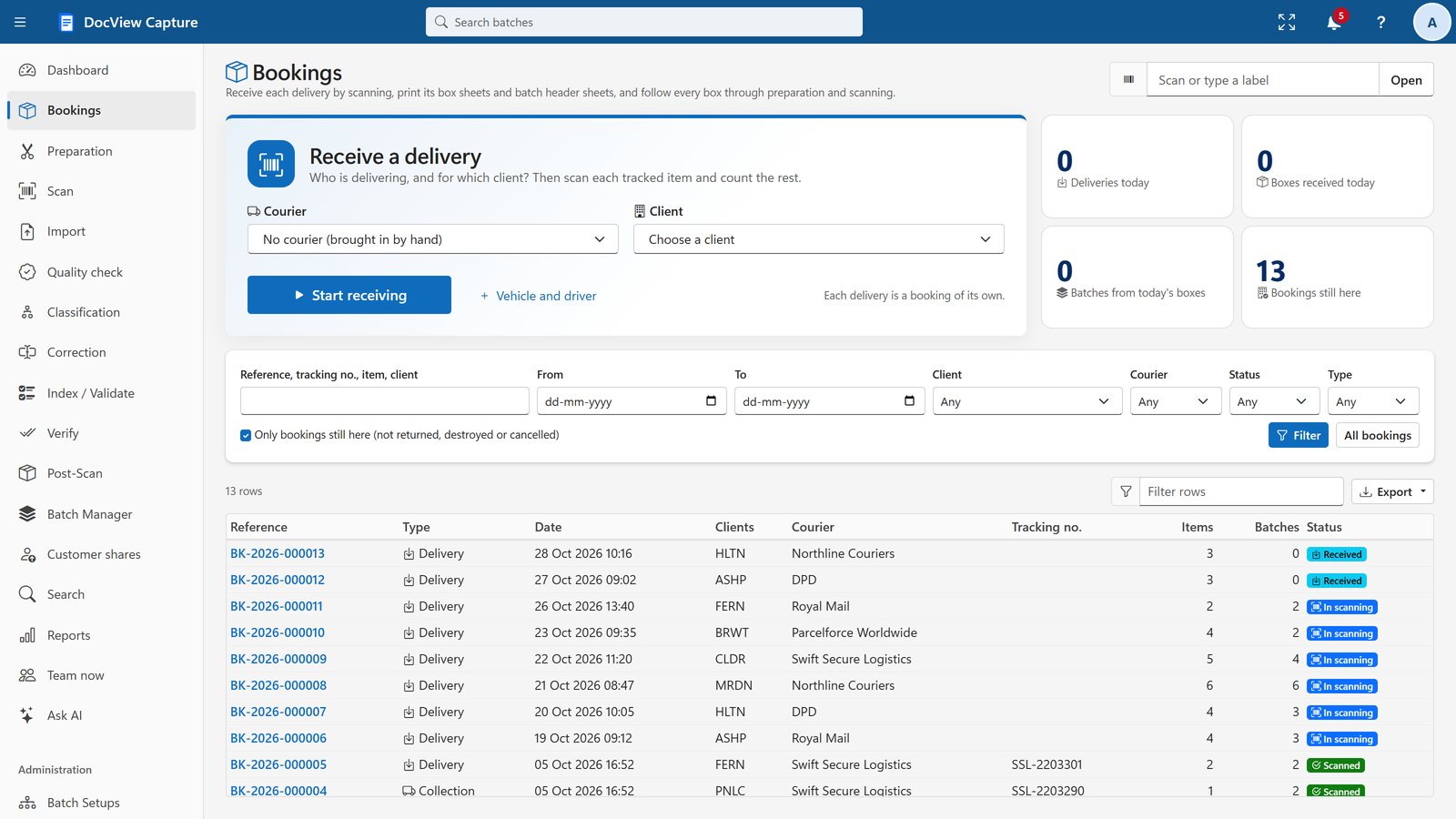
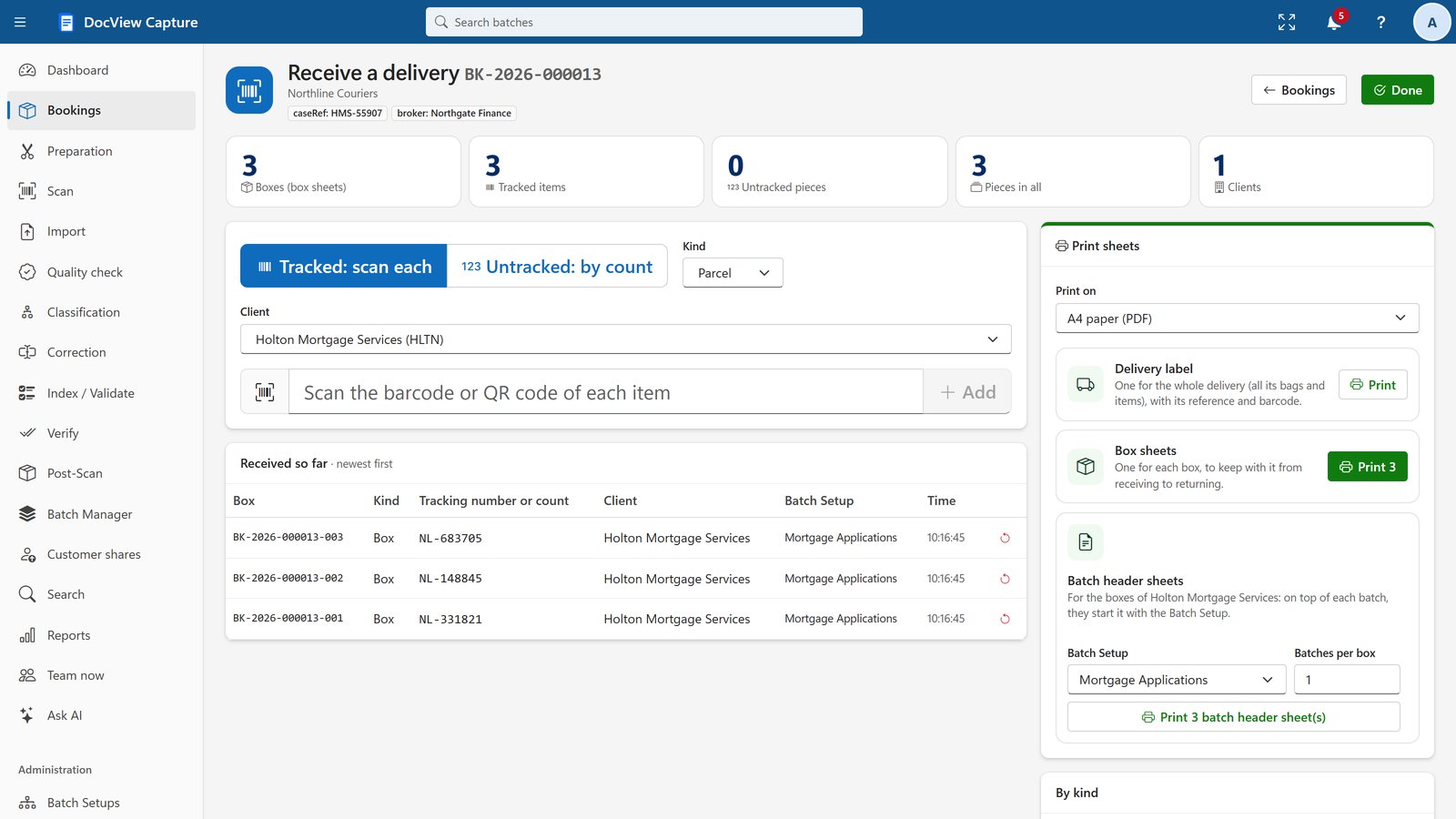
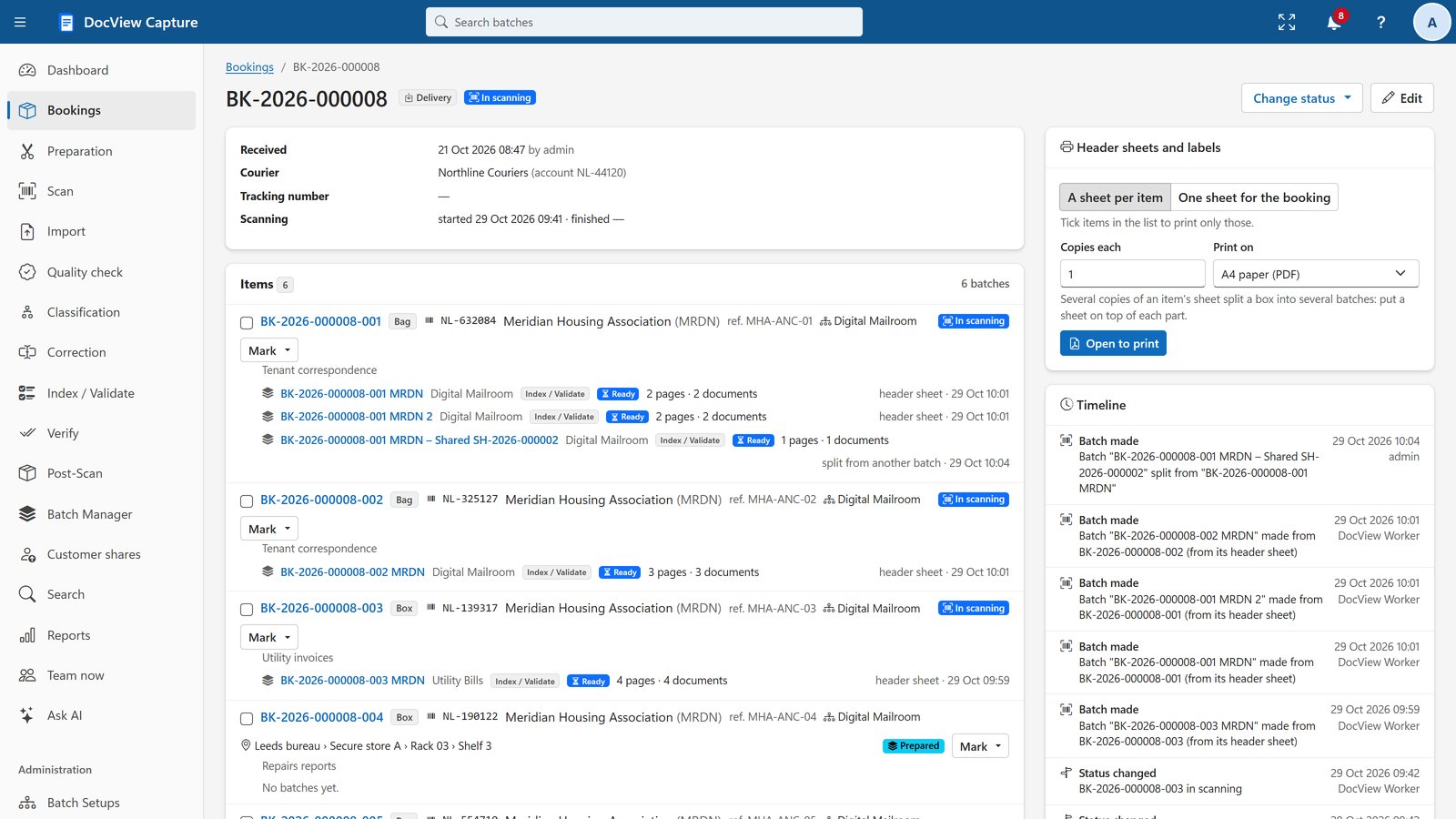
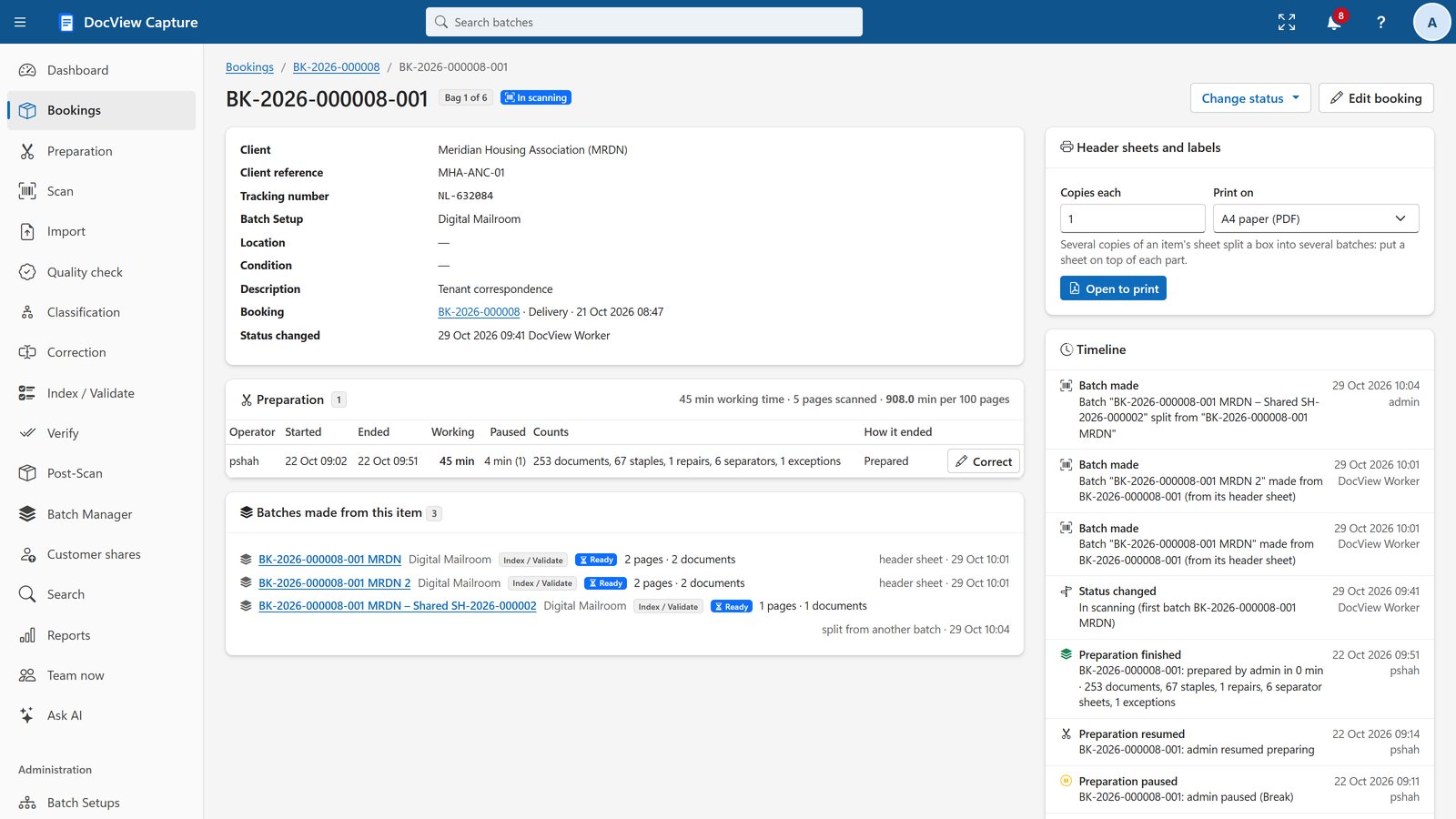
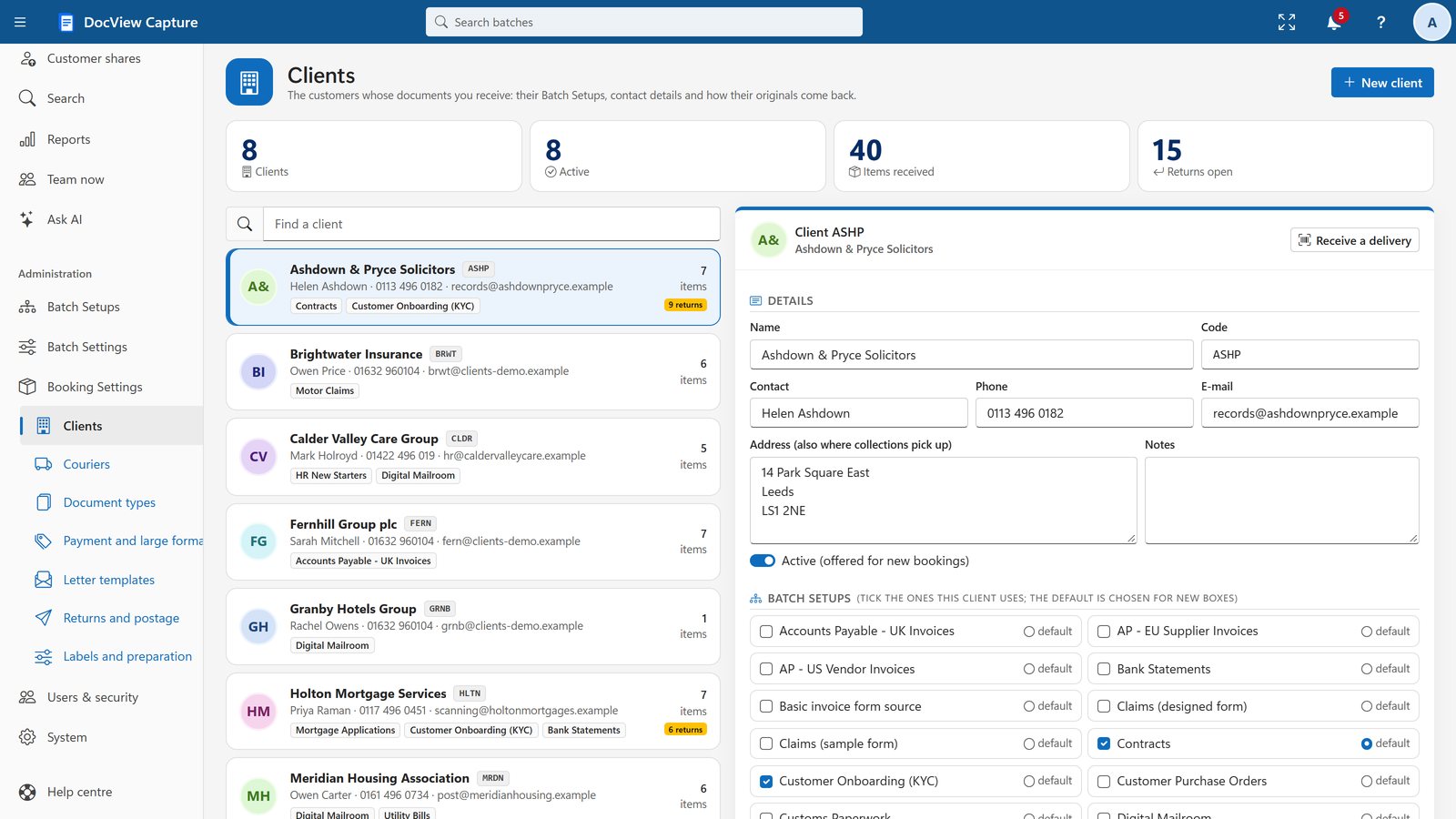
Bookings and Goods-in
For scanning bureaus: book in deliveries, receive boxes and track them from arrival.
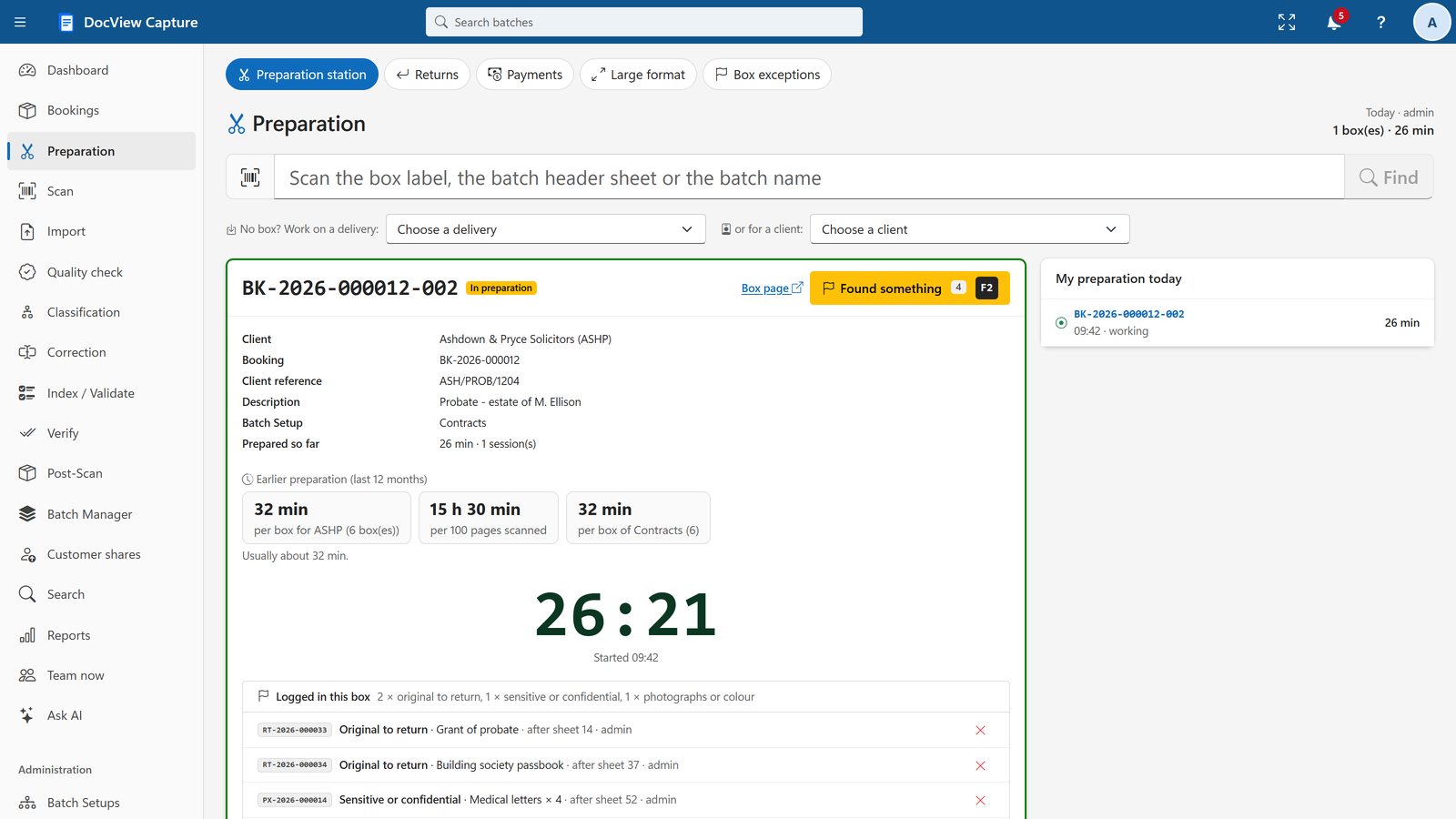
Preparation and Special Documents
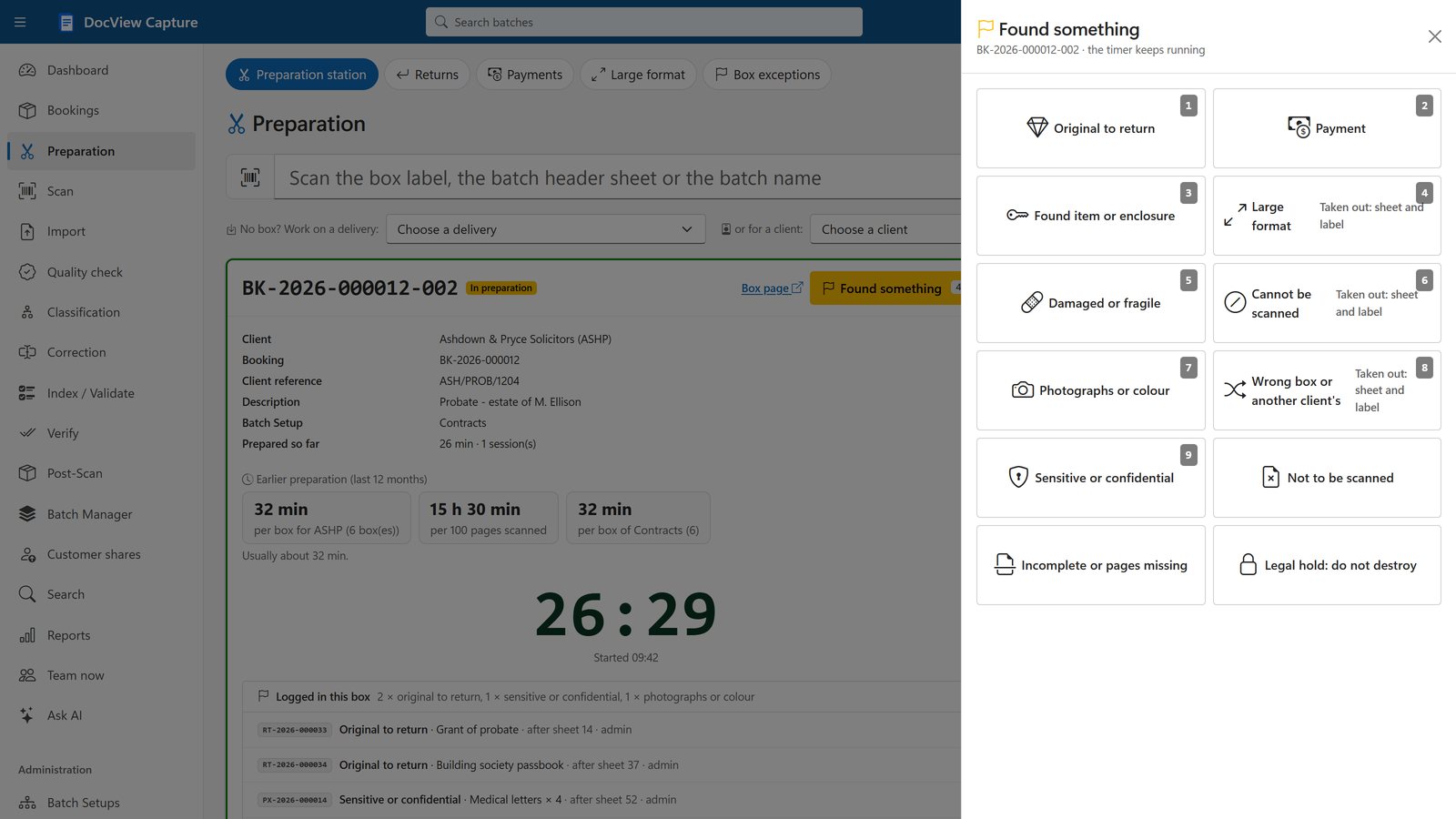
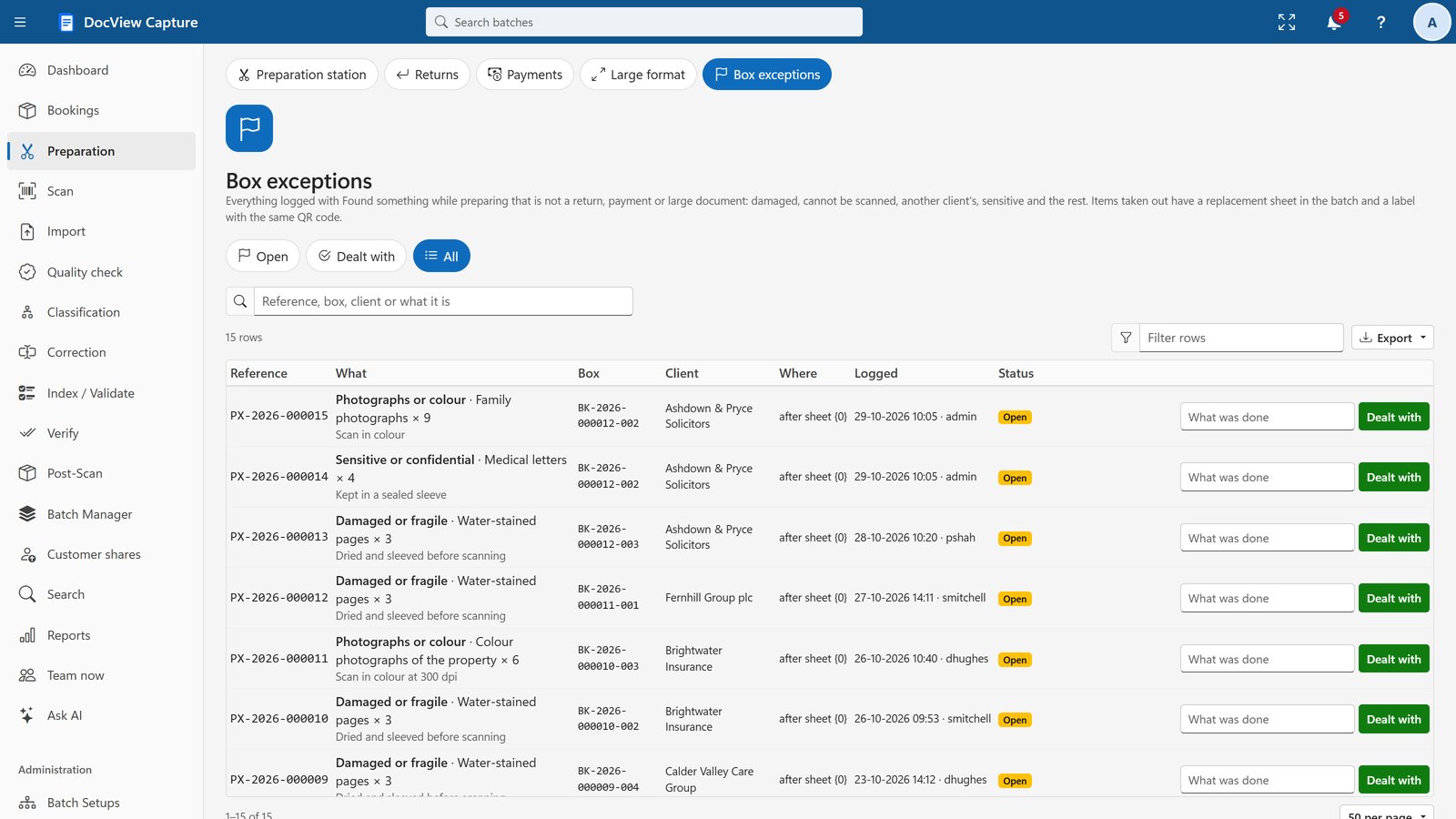
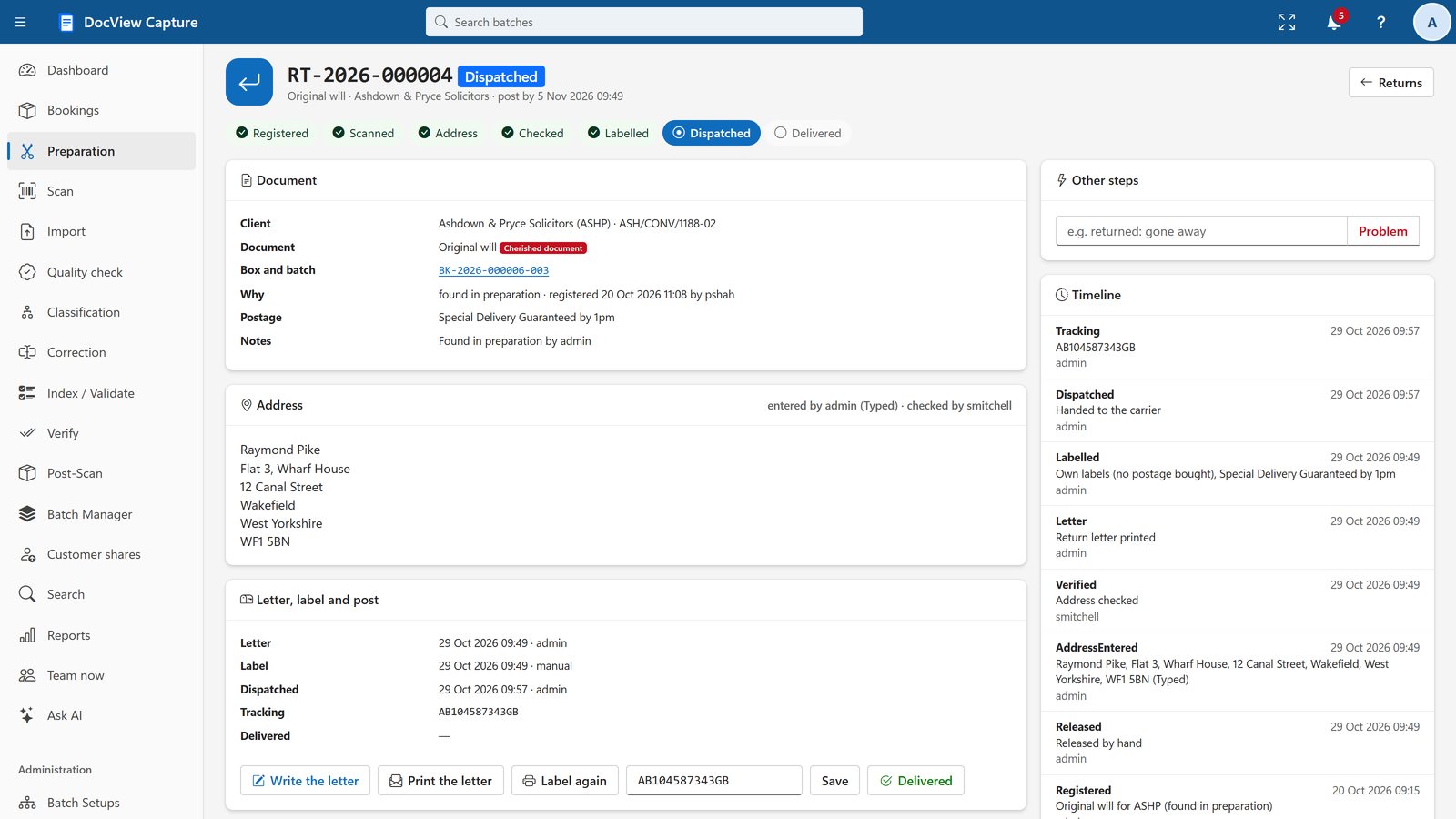
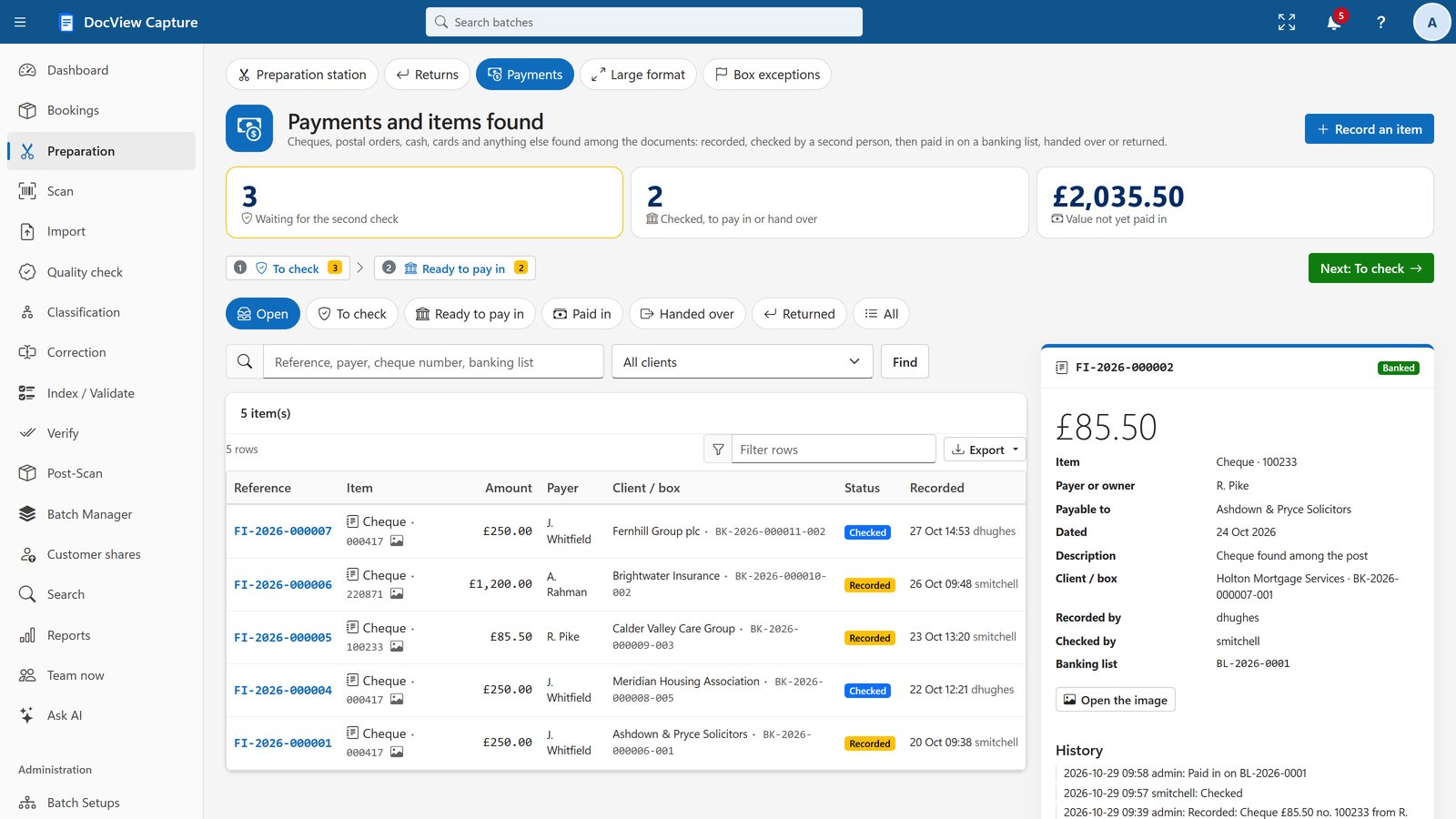
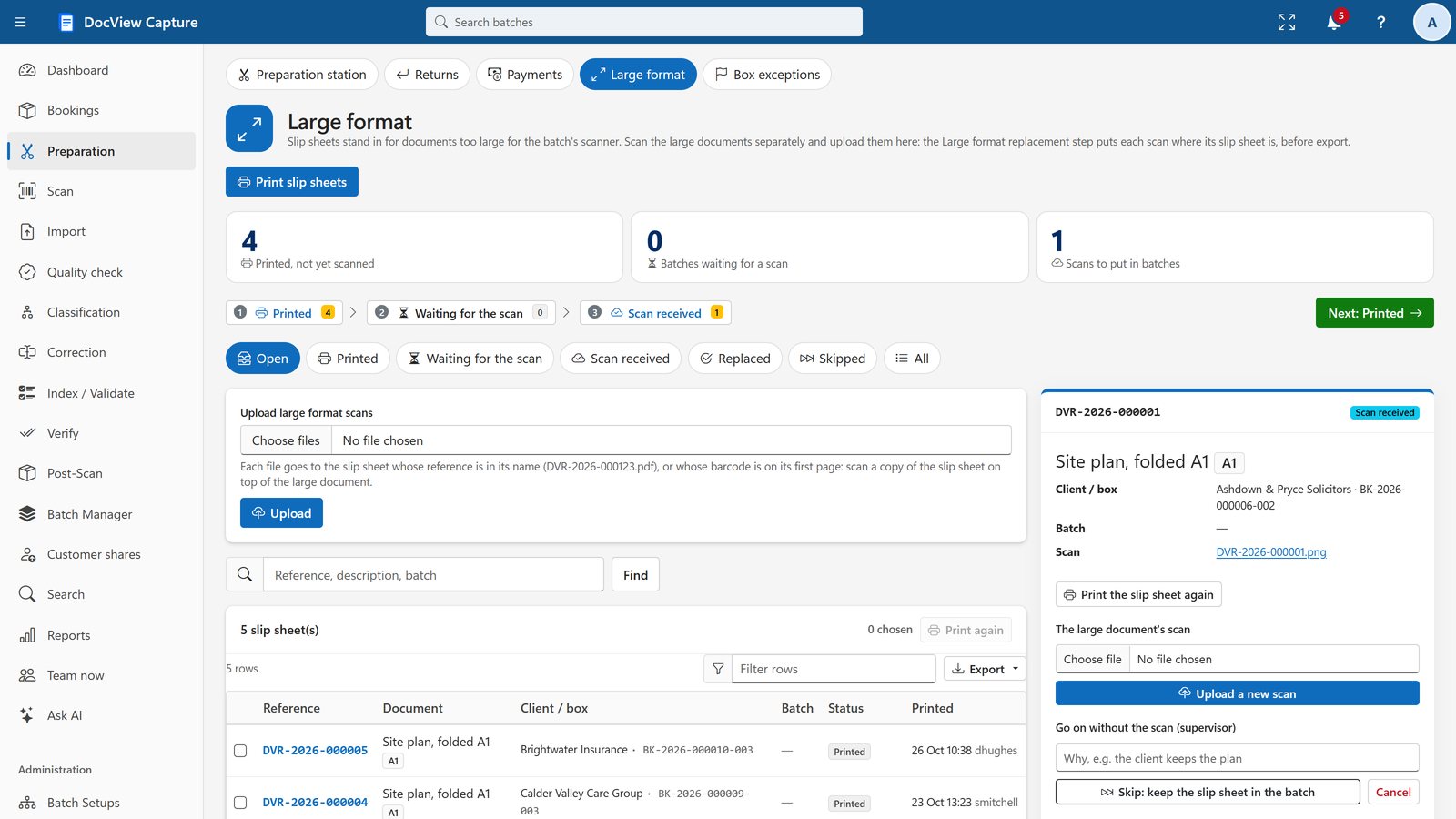
Time the preparation of each box and log what is found in it.
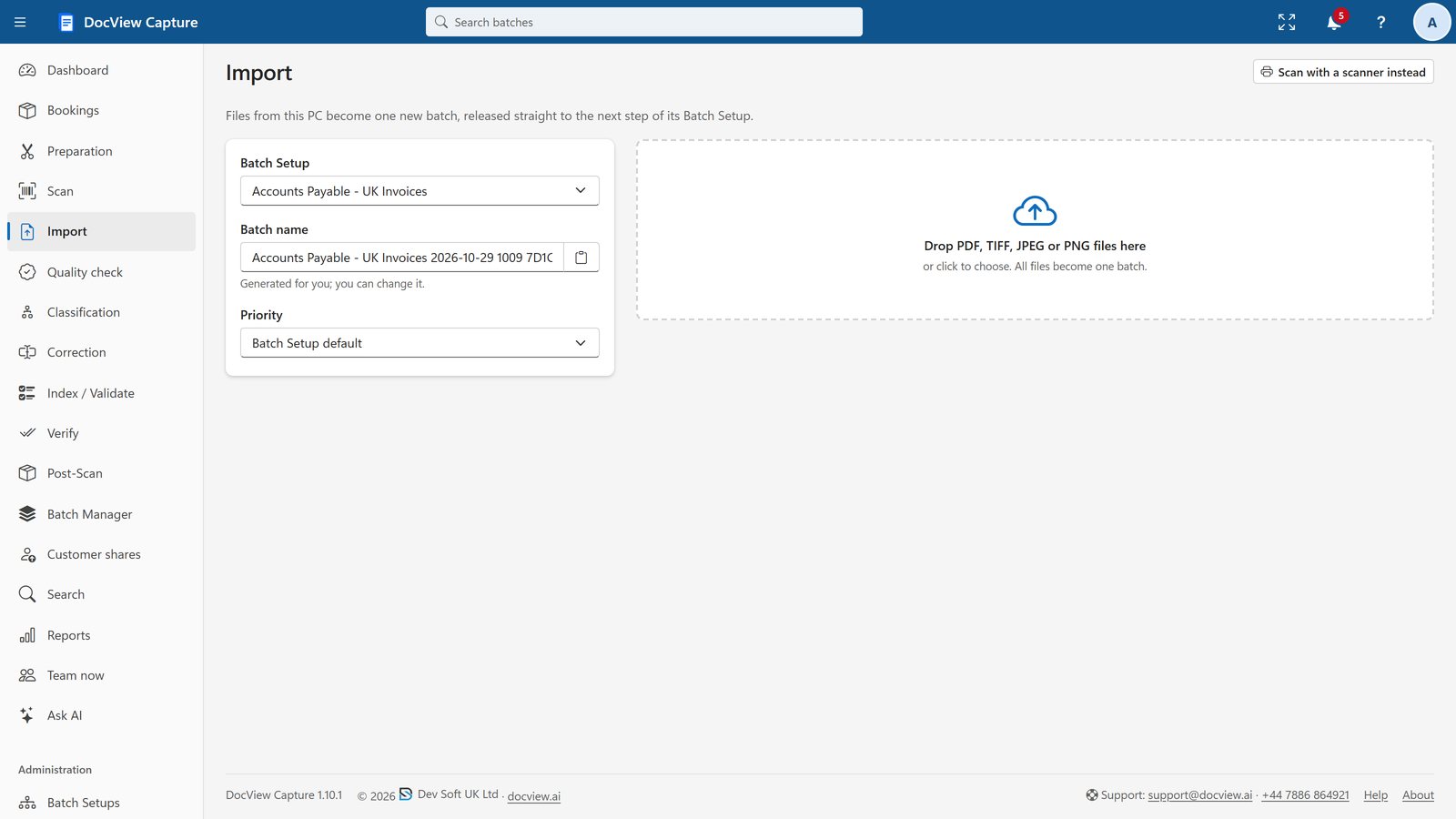
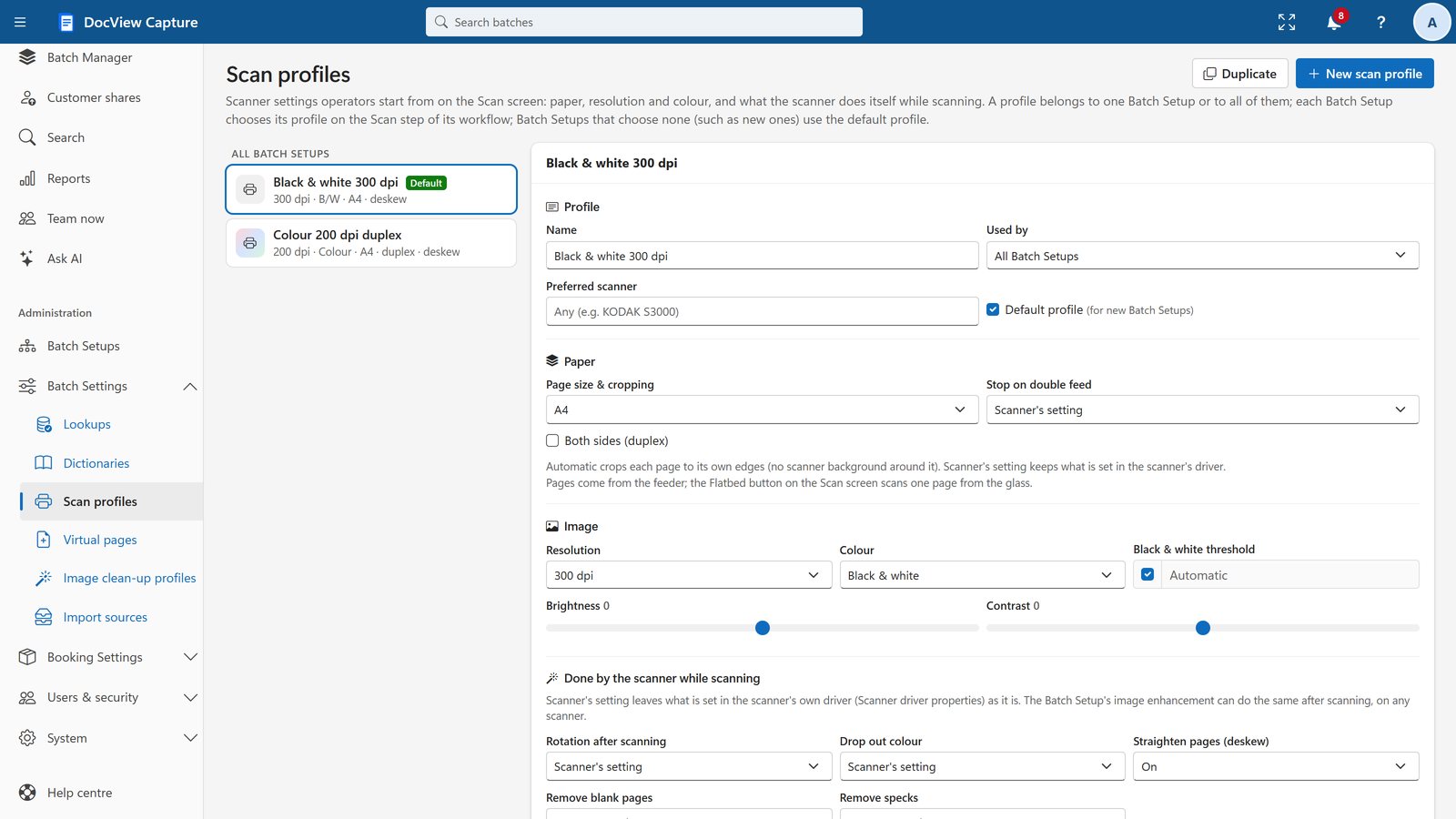
Scanning, Import and Quality Check
Bring in PDF, TIFF and image files by drag and drop.
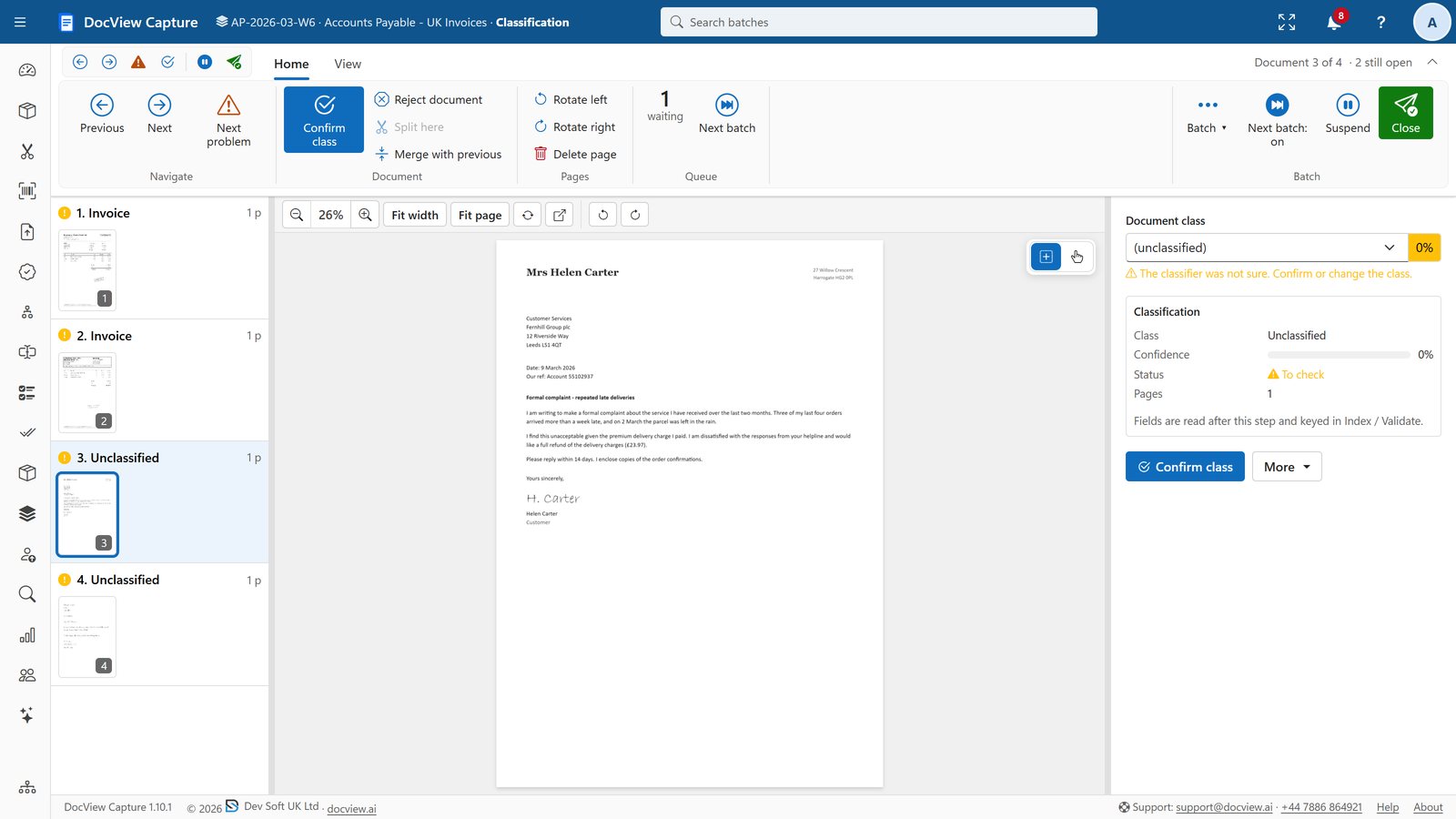
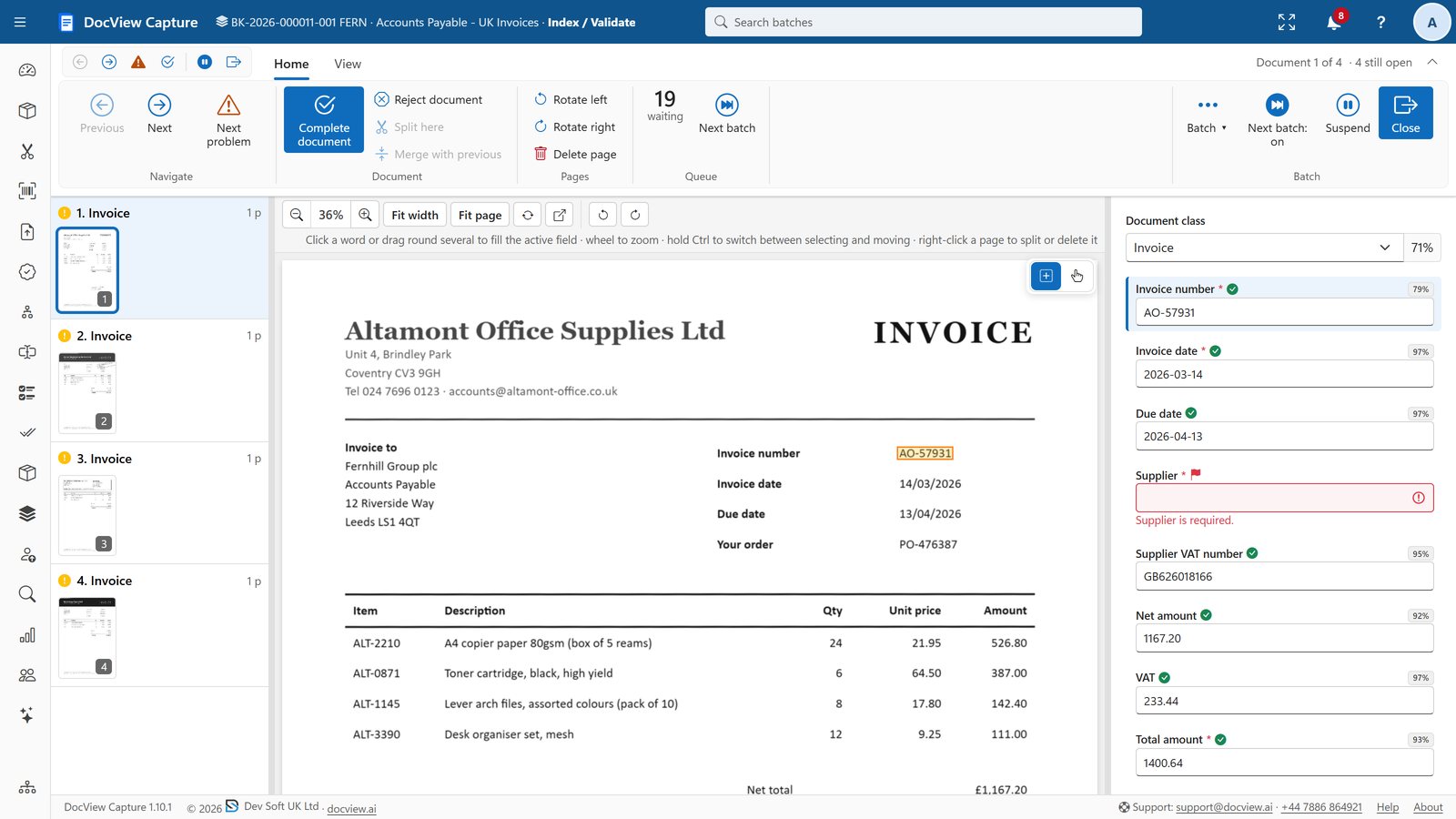
Classification, Indexing and Verification
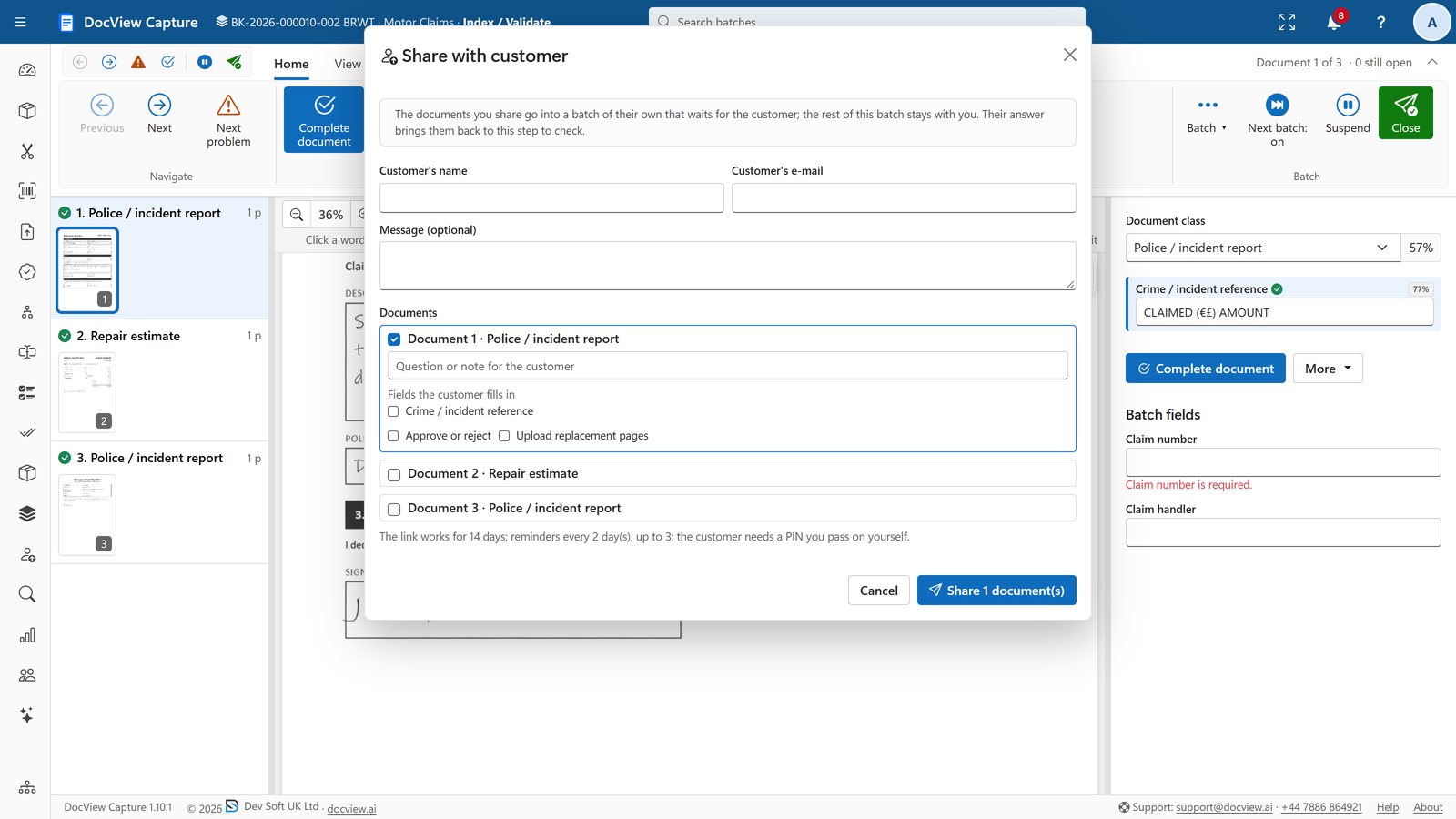
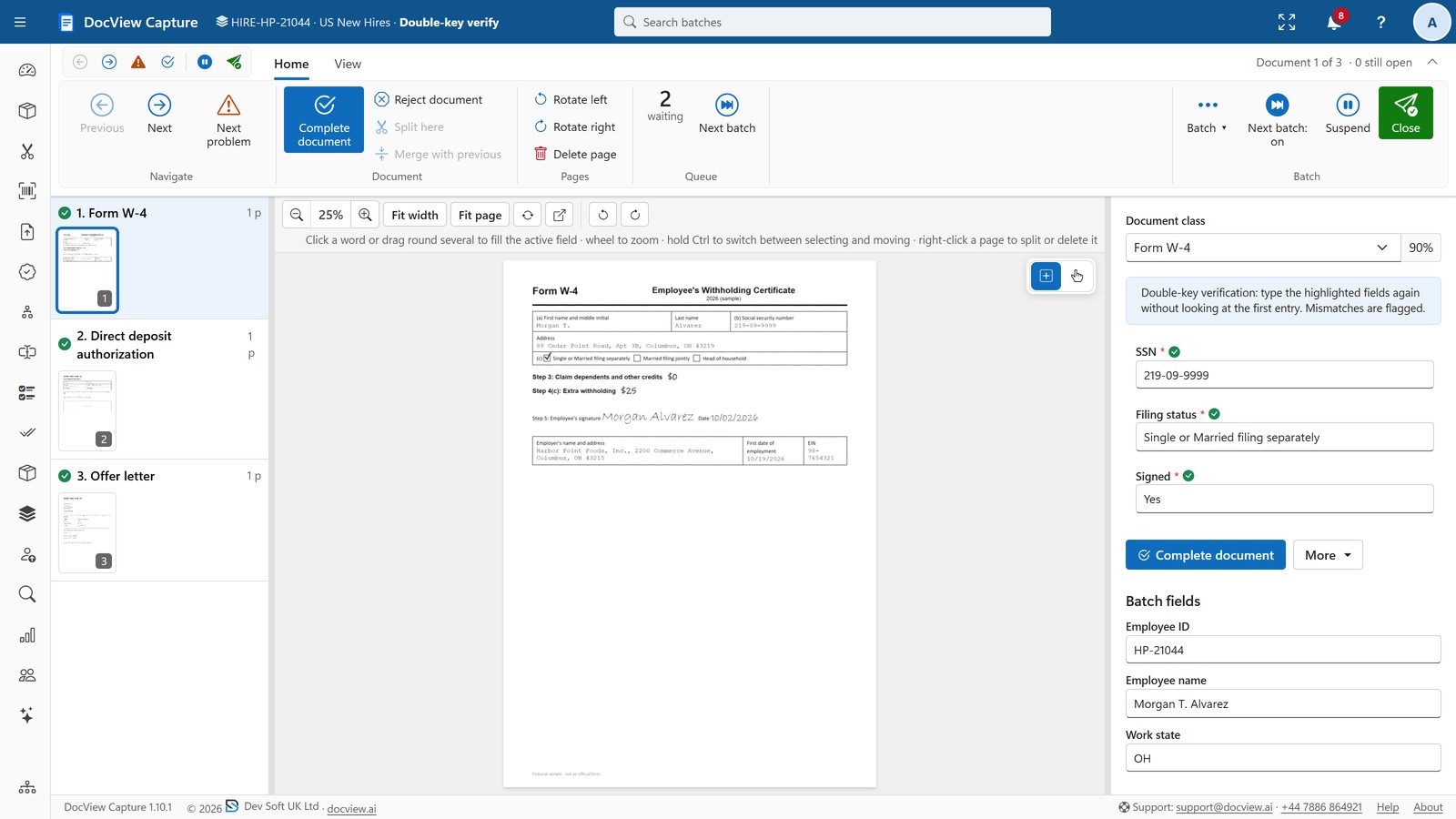
Confirm classes, check extracted values and verify them with a second key.
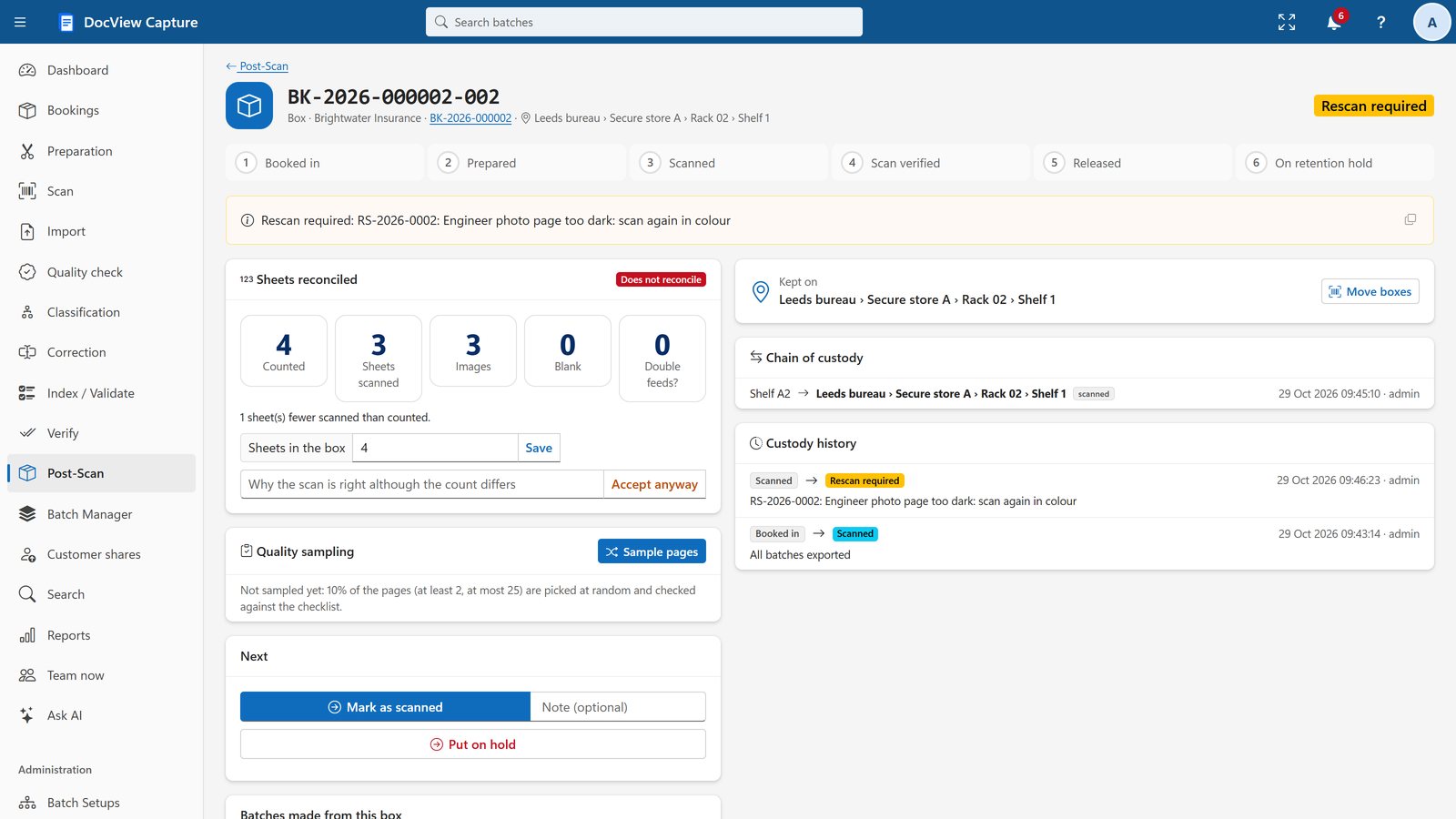
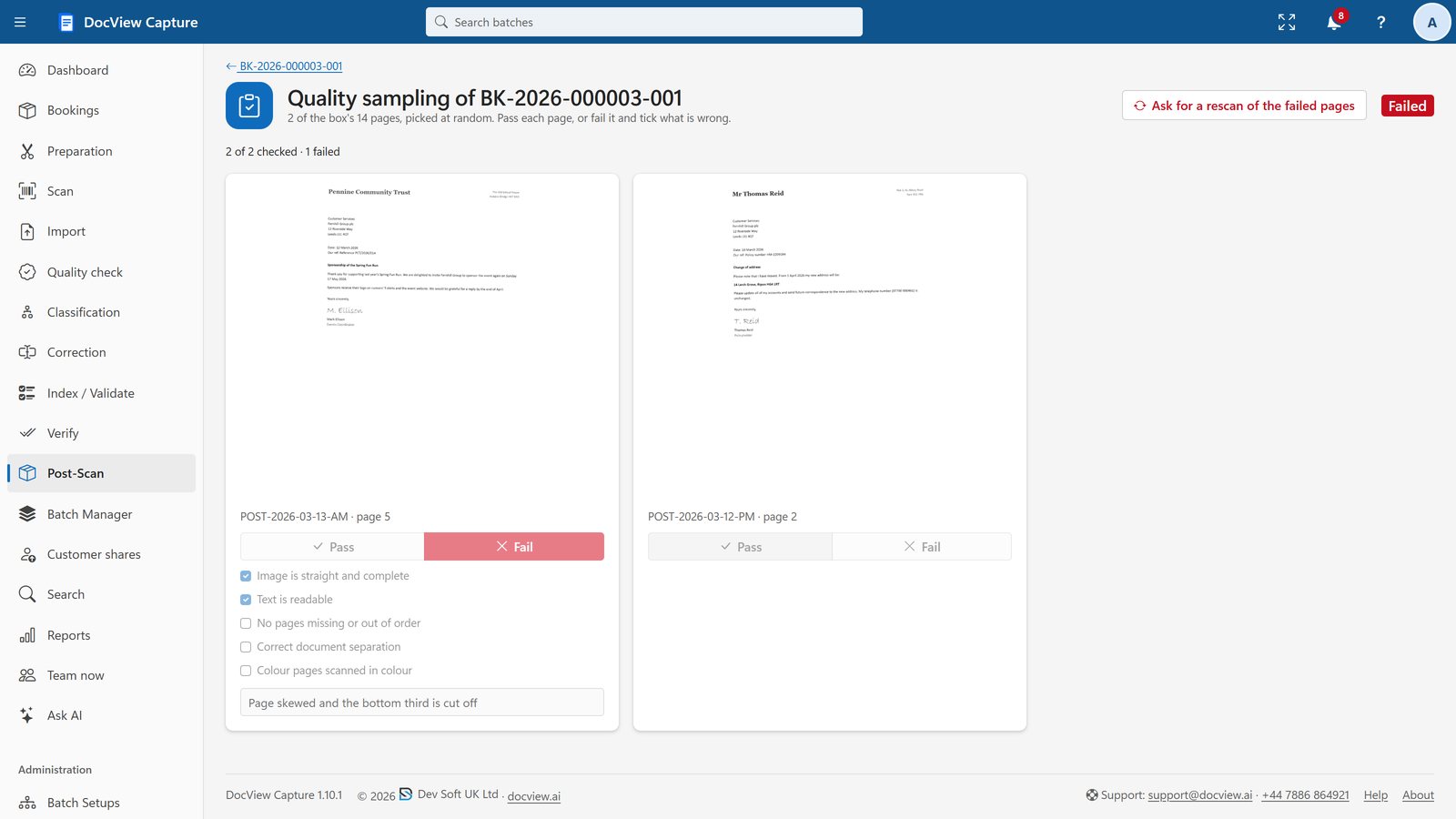
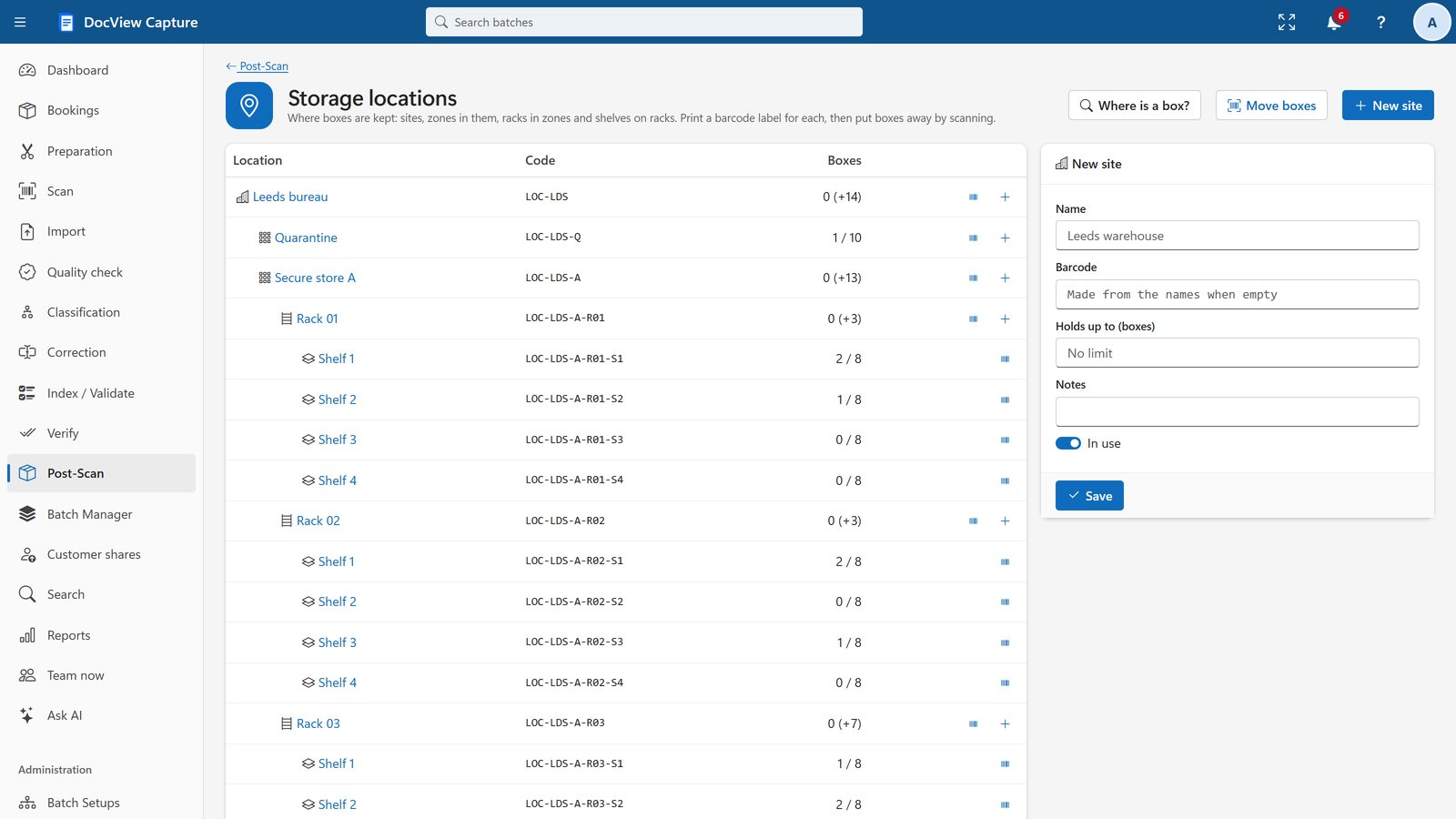
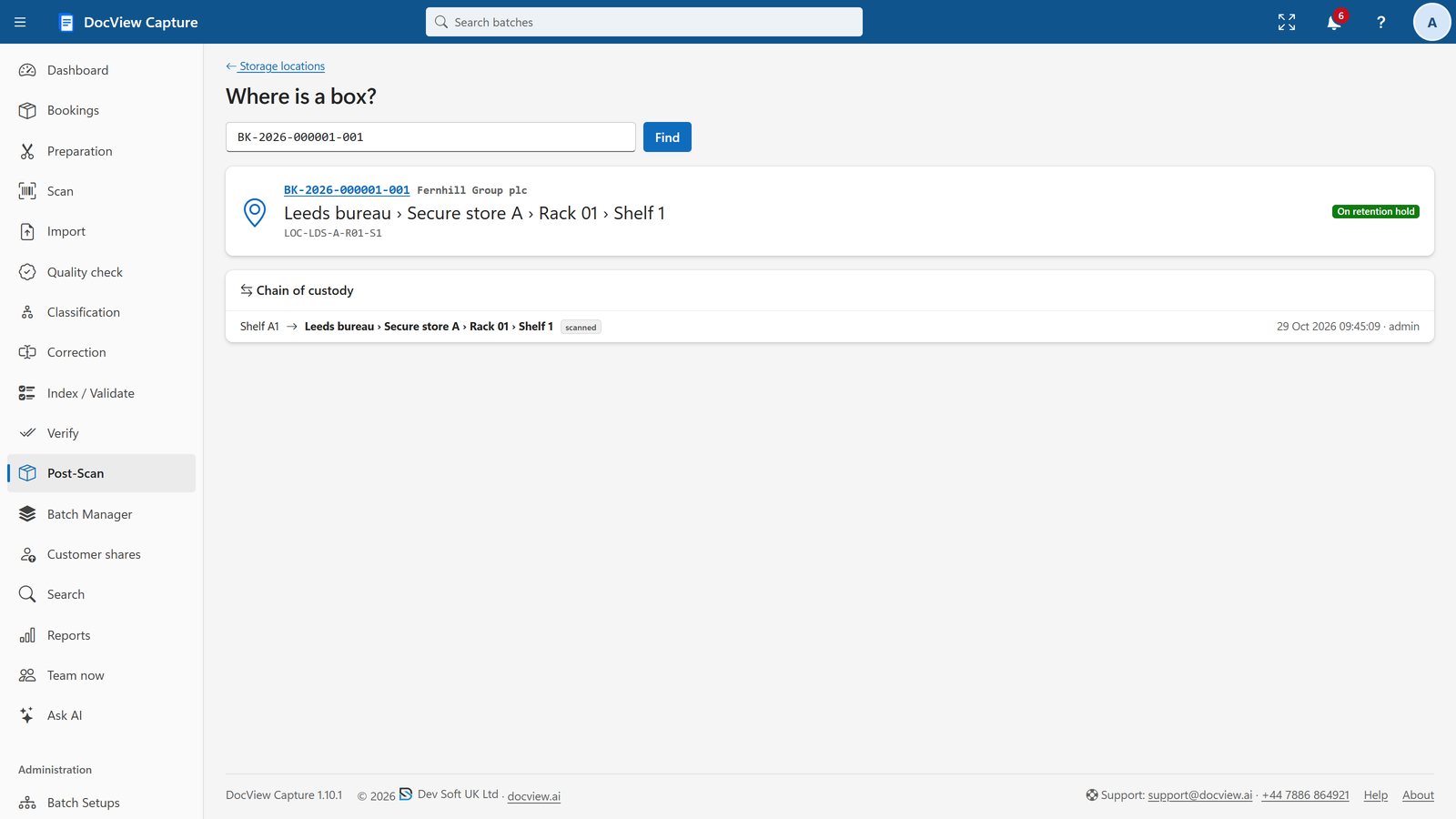
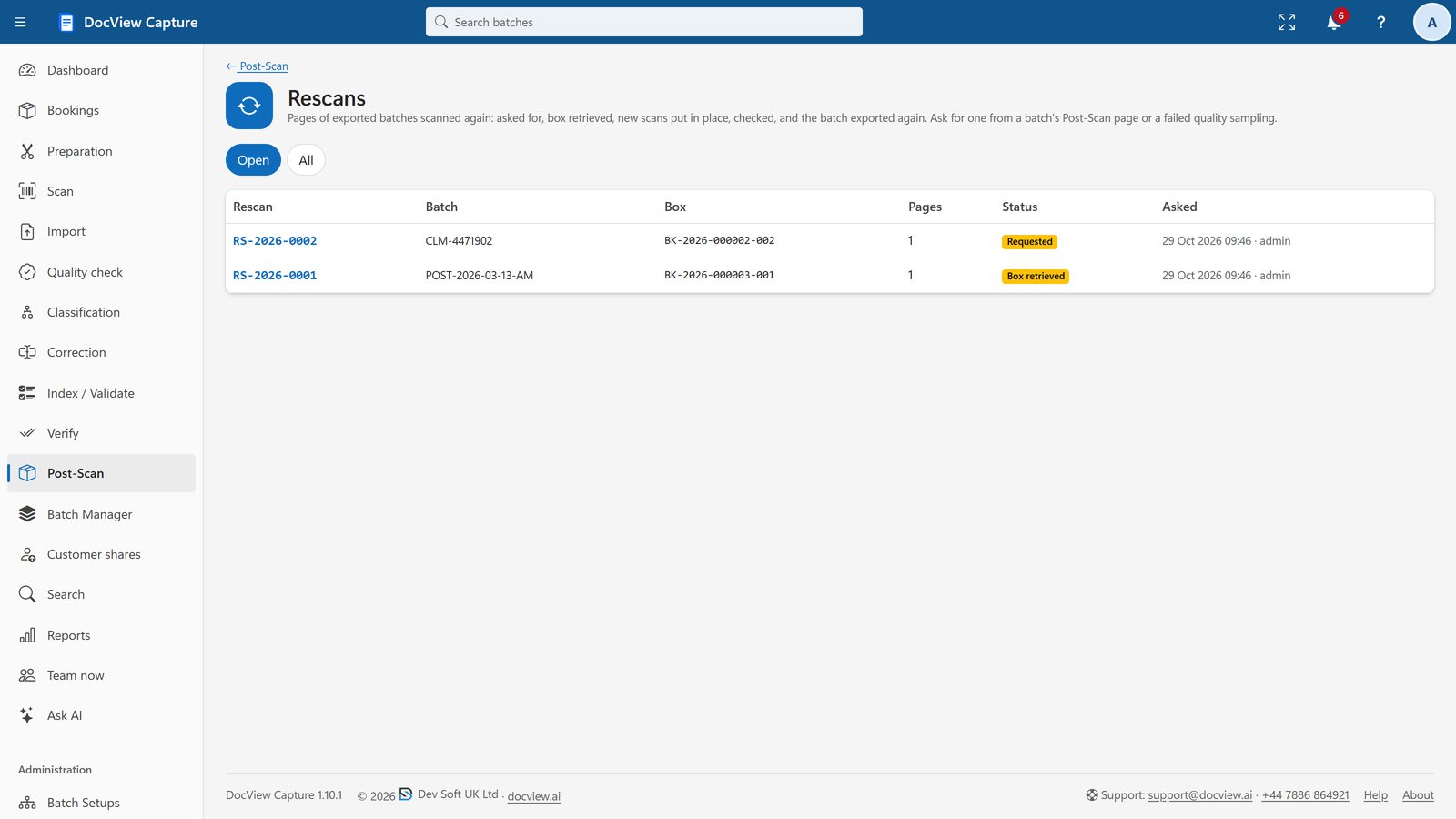
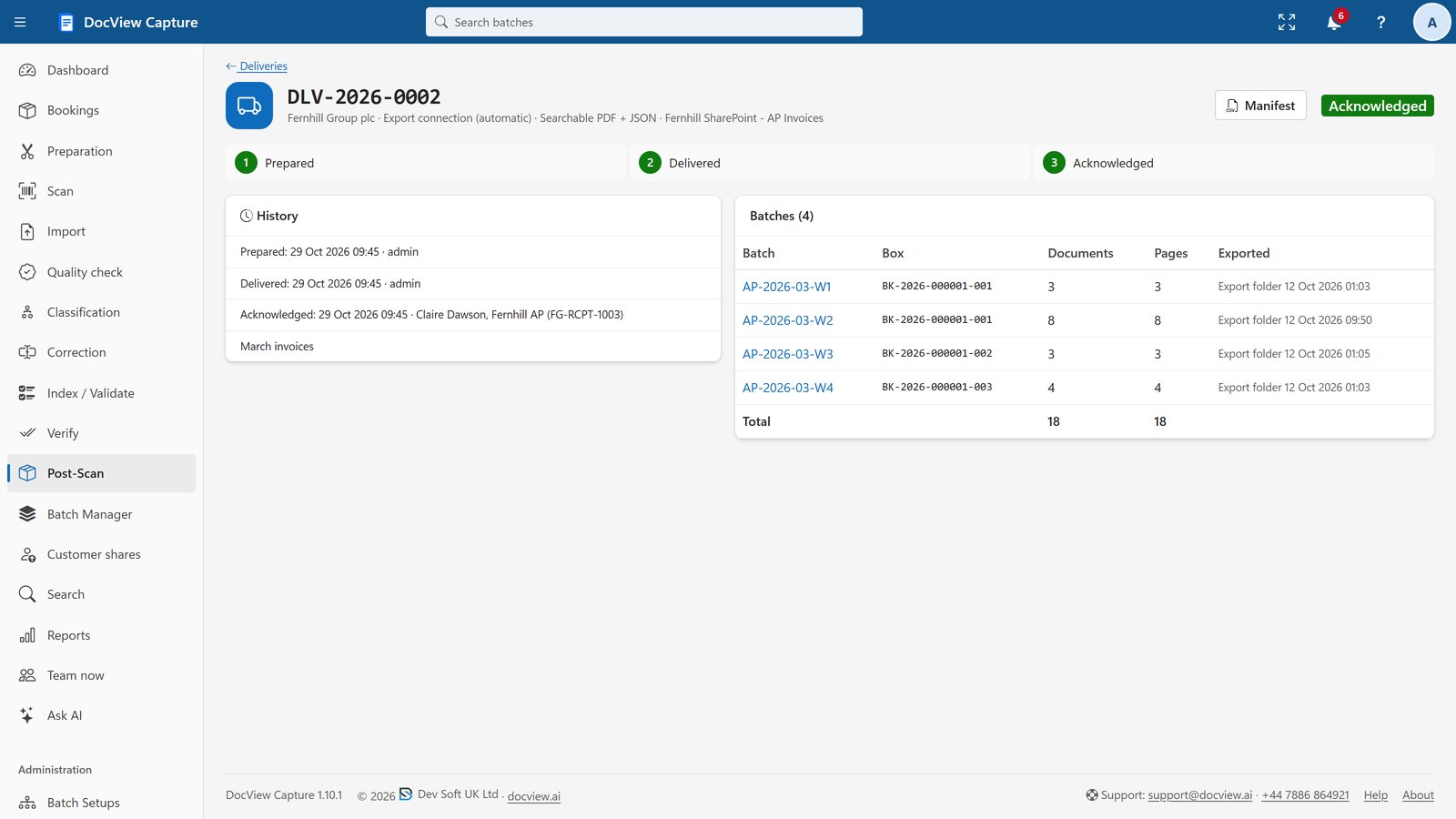
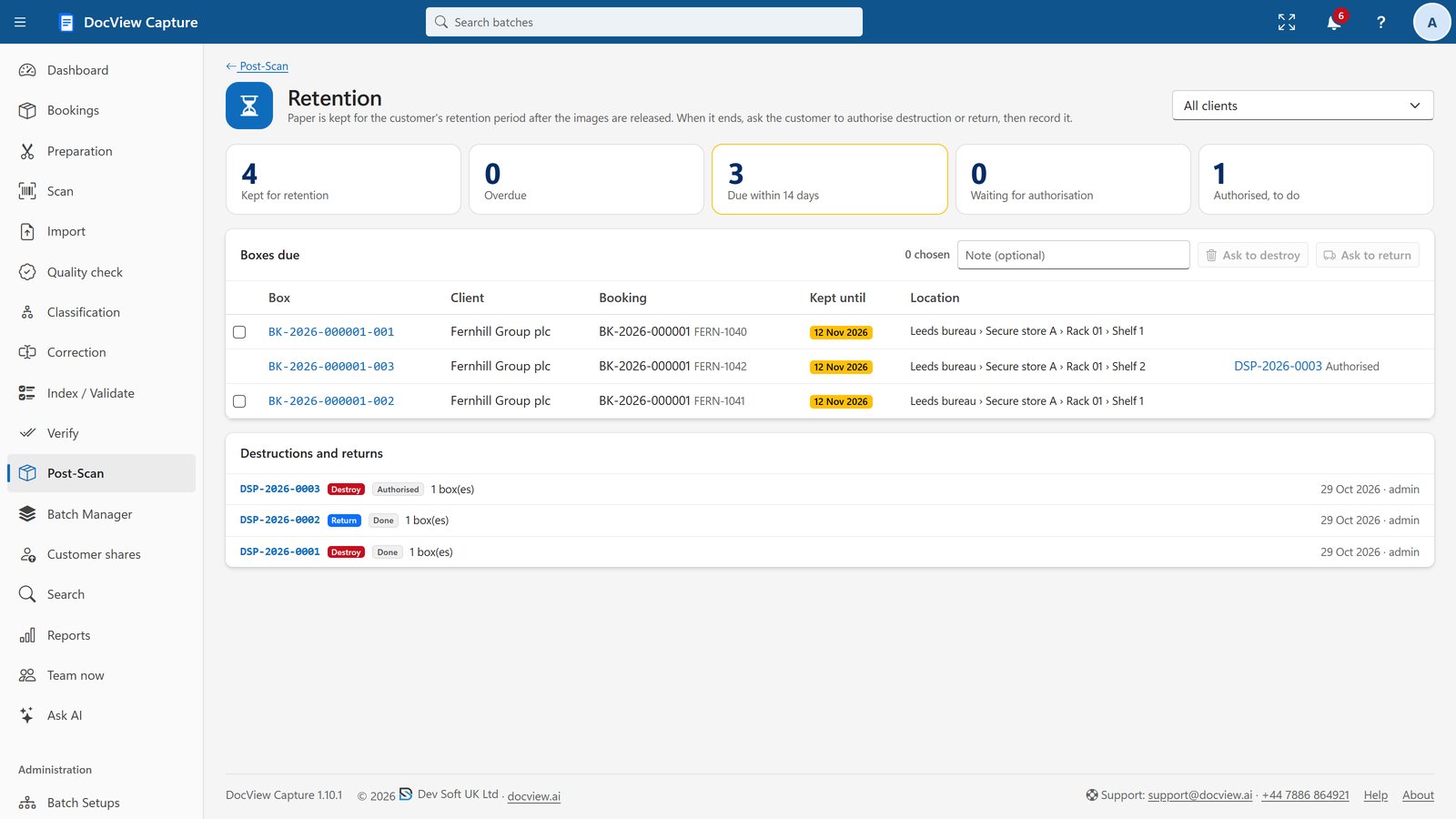
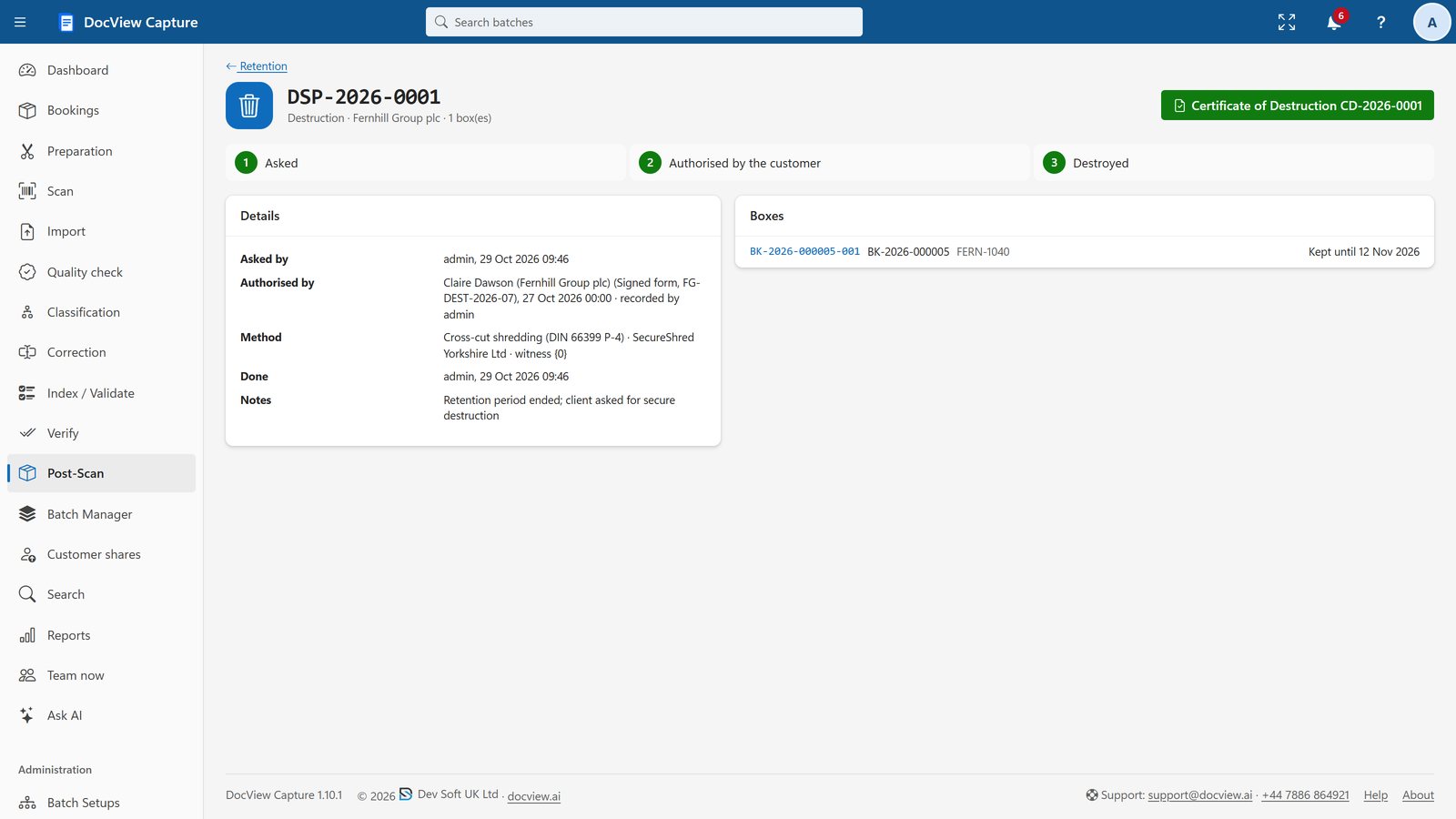
Post-Scan Release and Custody
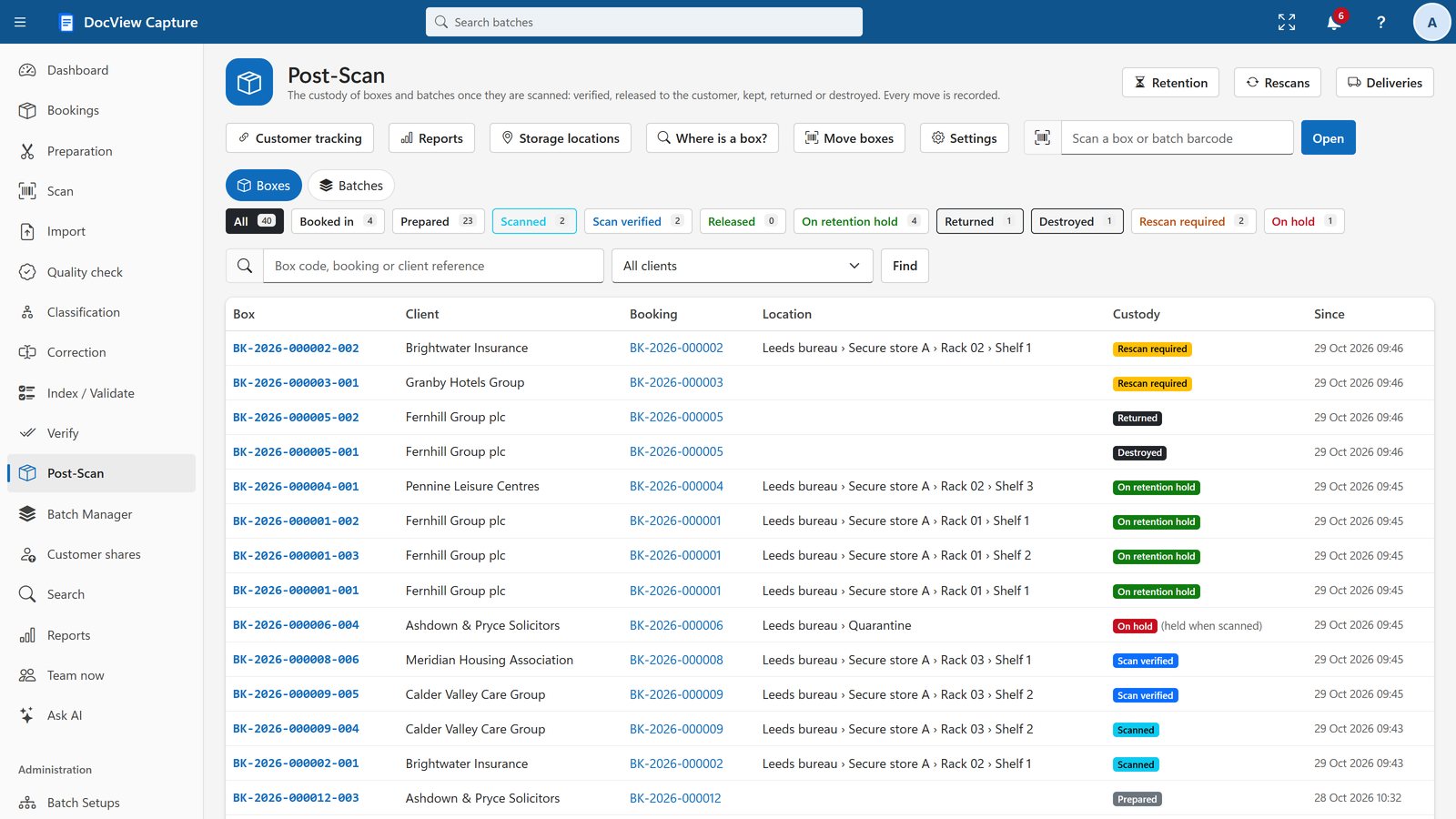
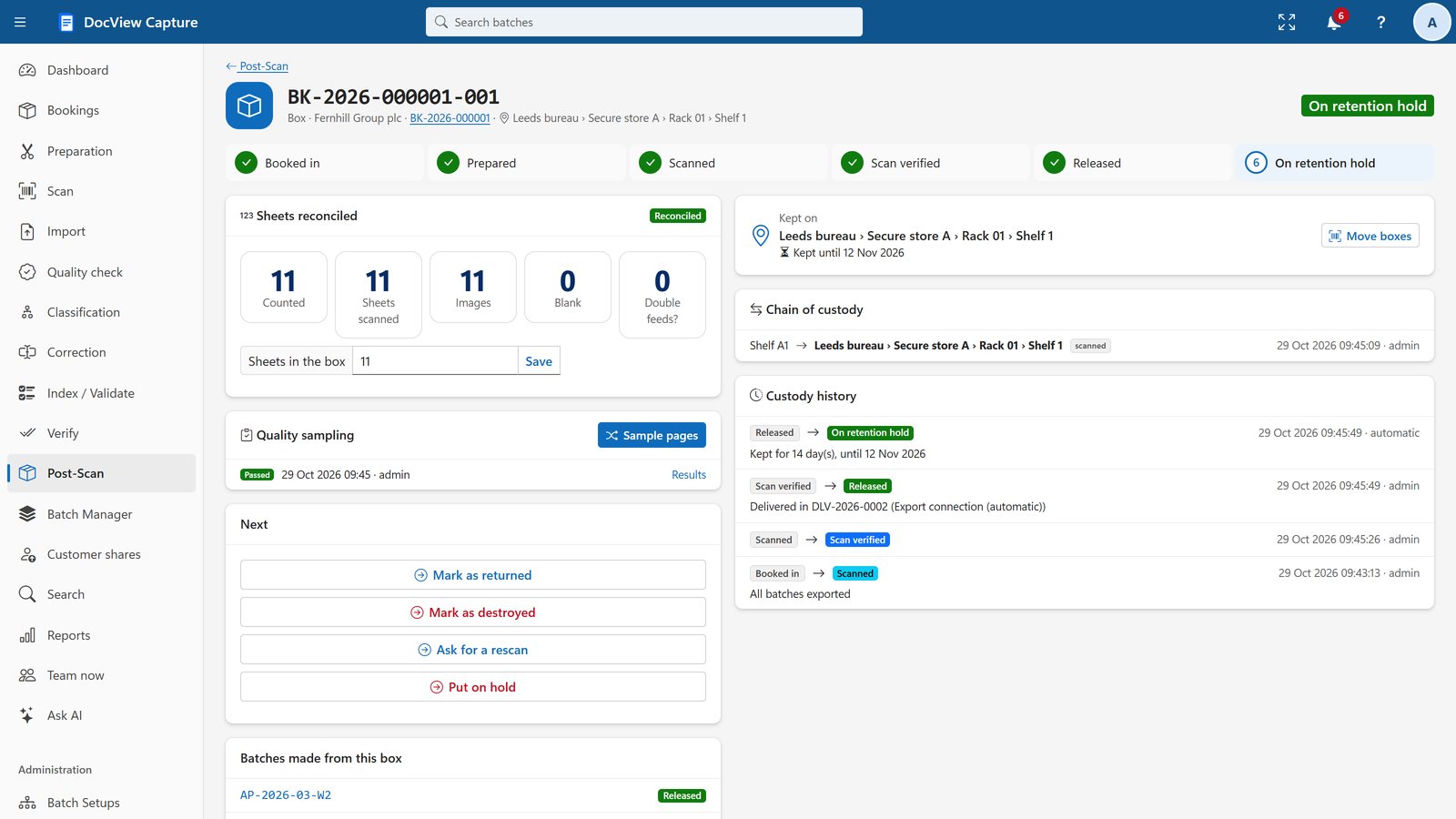
Reconcile boxes, track custody and storage, and manage retention and disposal.
Customer Sharing and Tracking
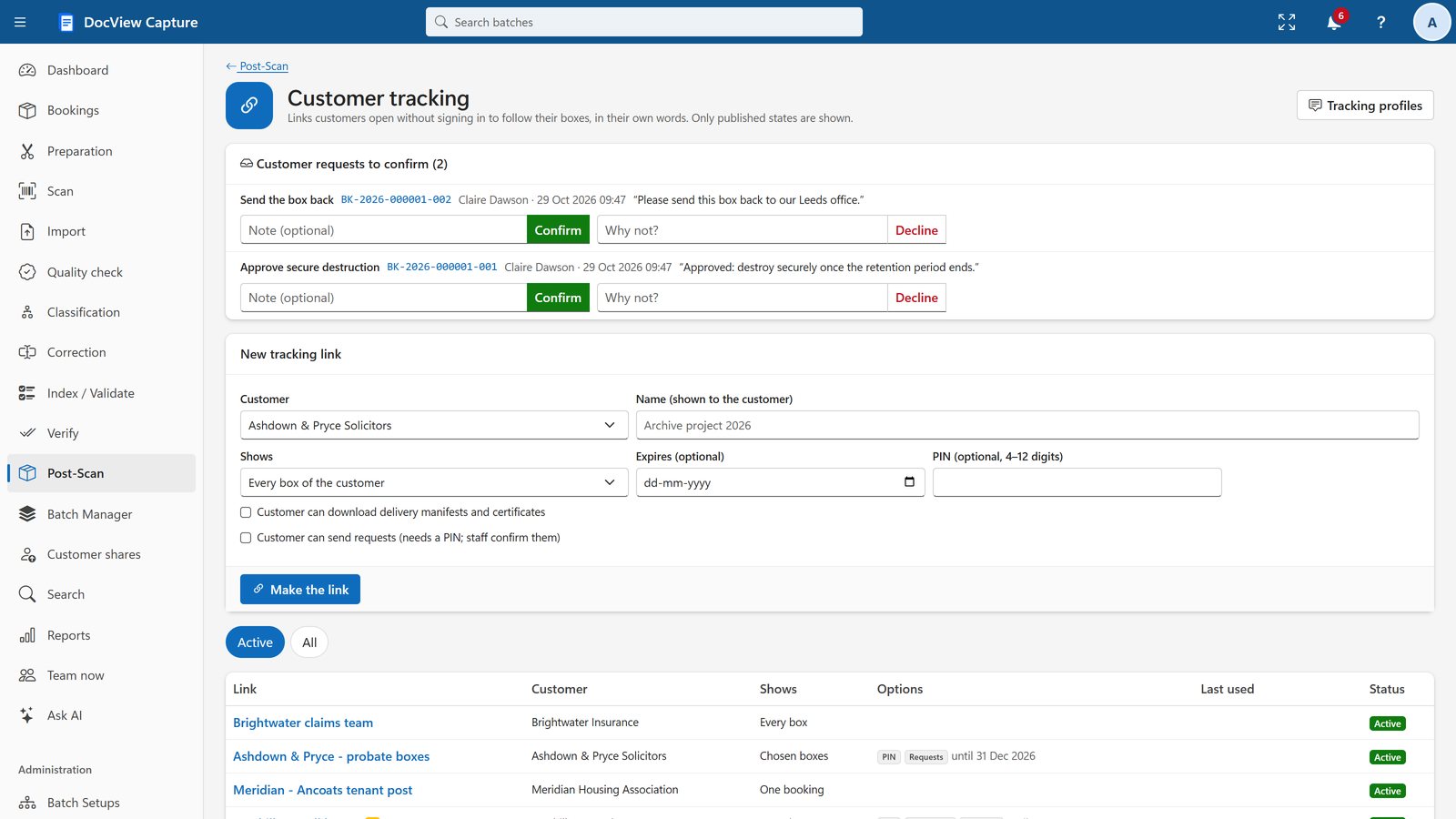
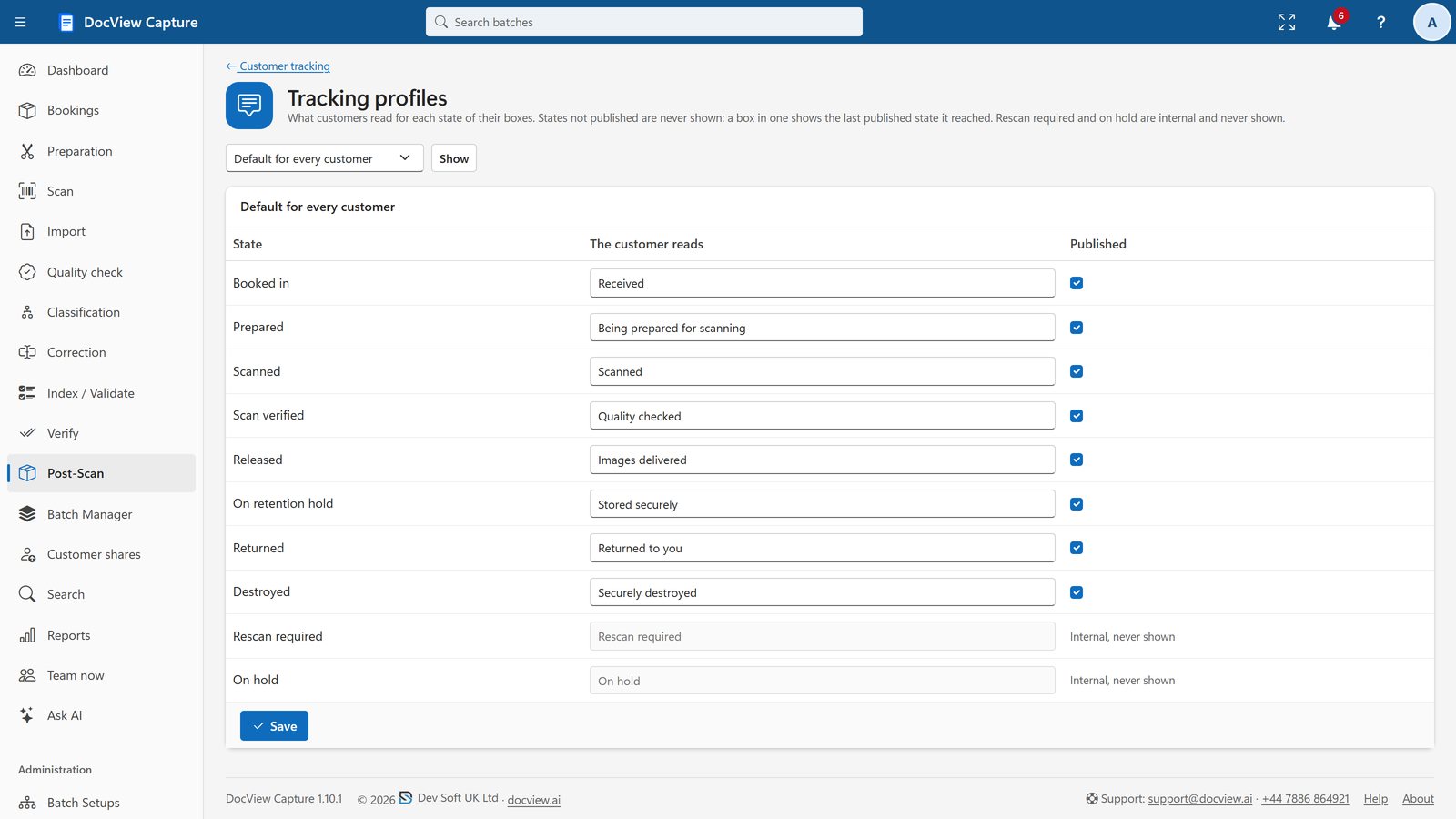
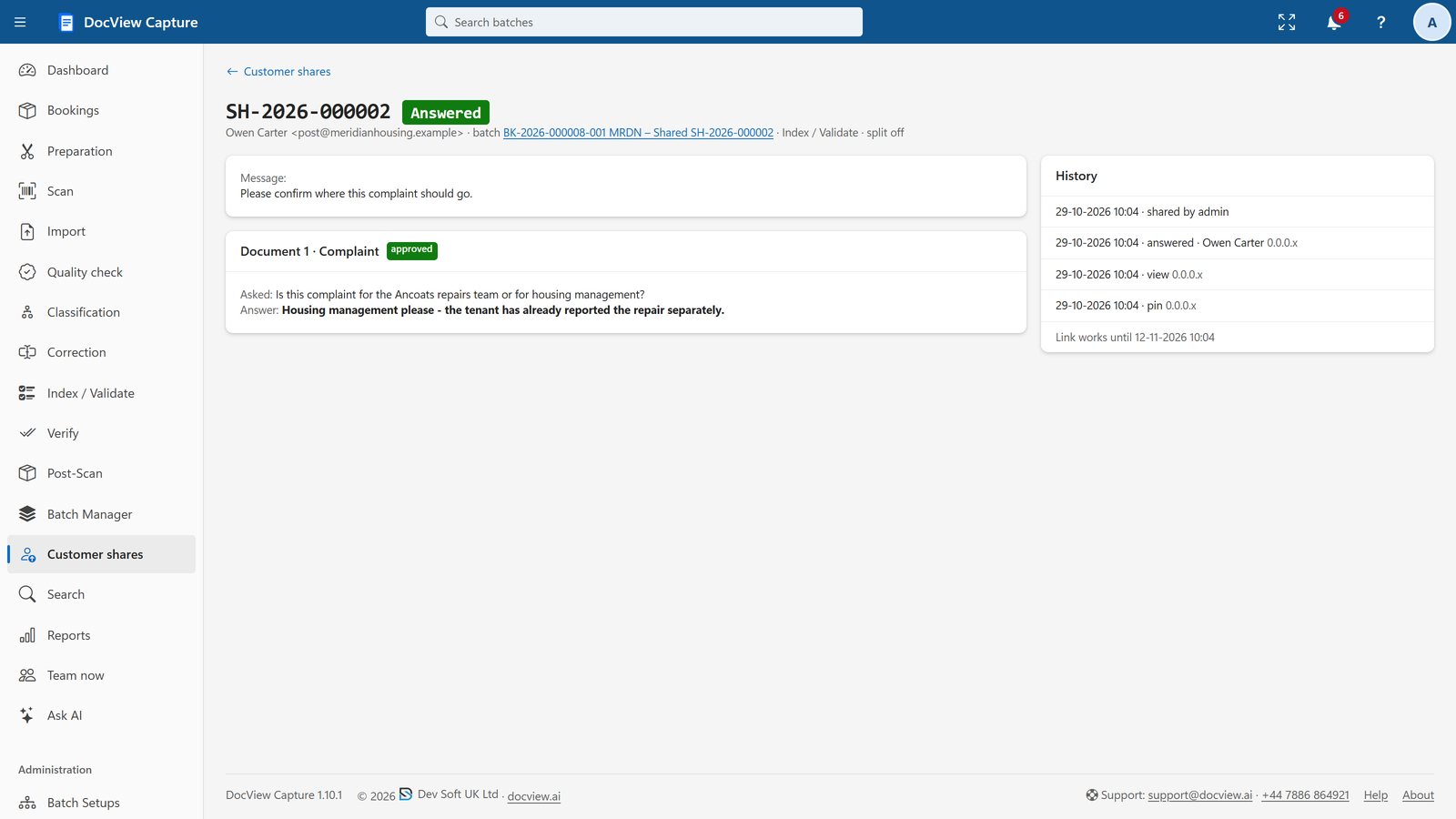
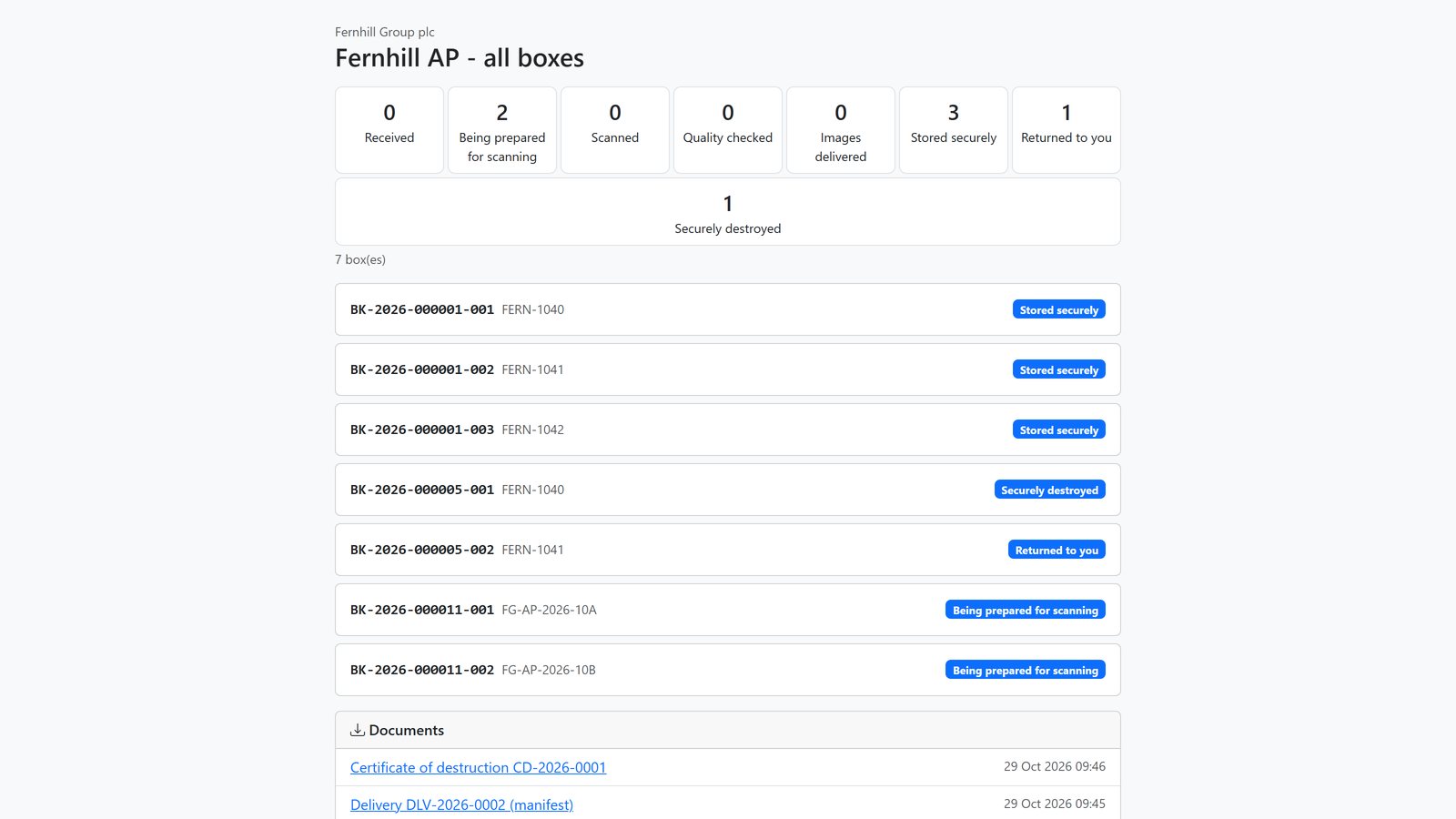
Share documents for answers and give customers a link to follow progress.
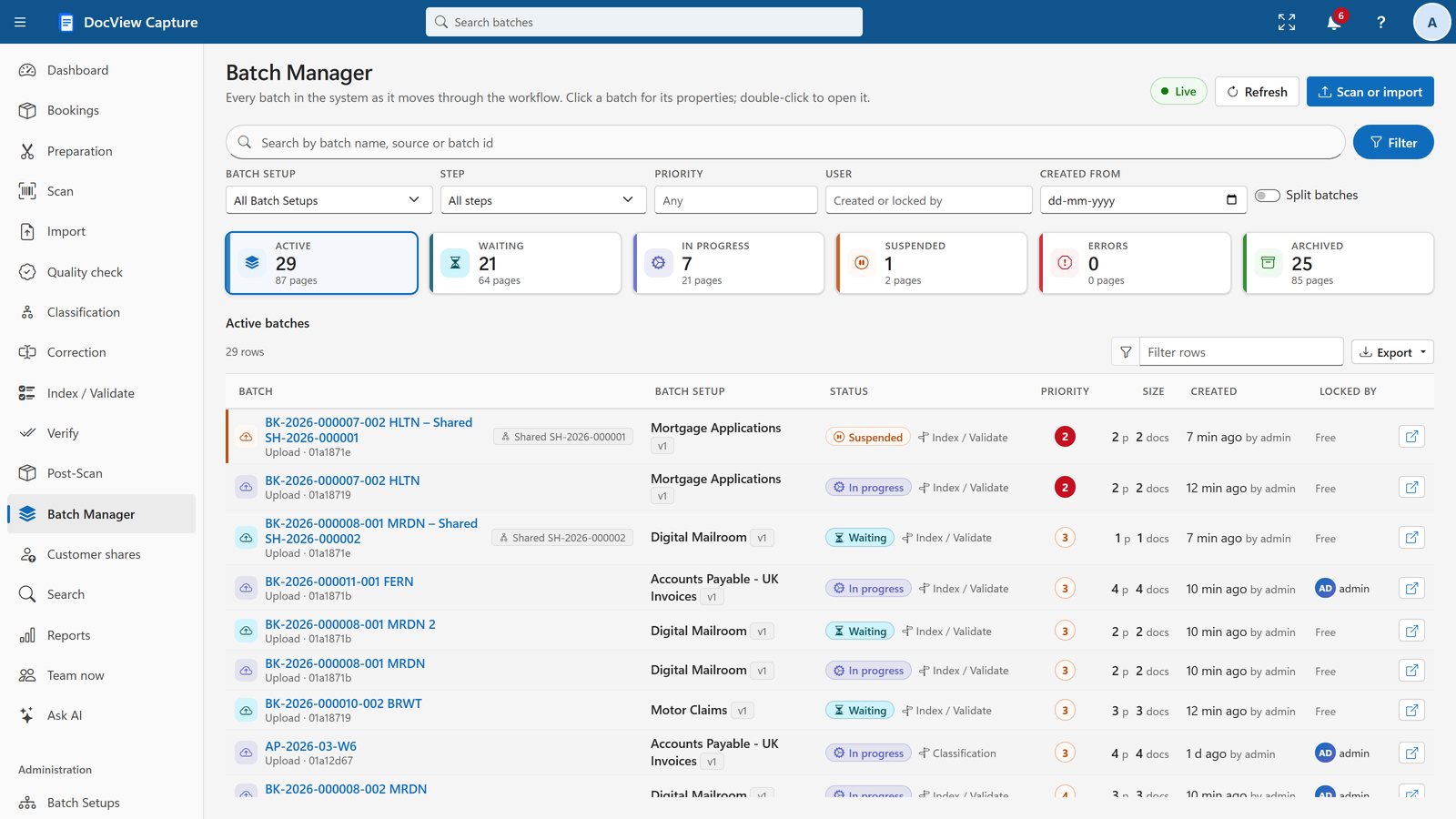
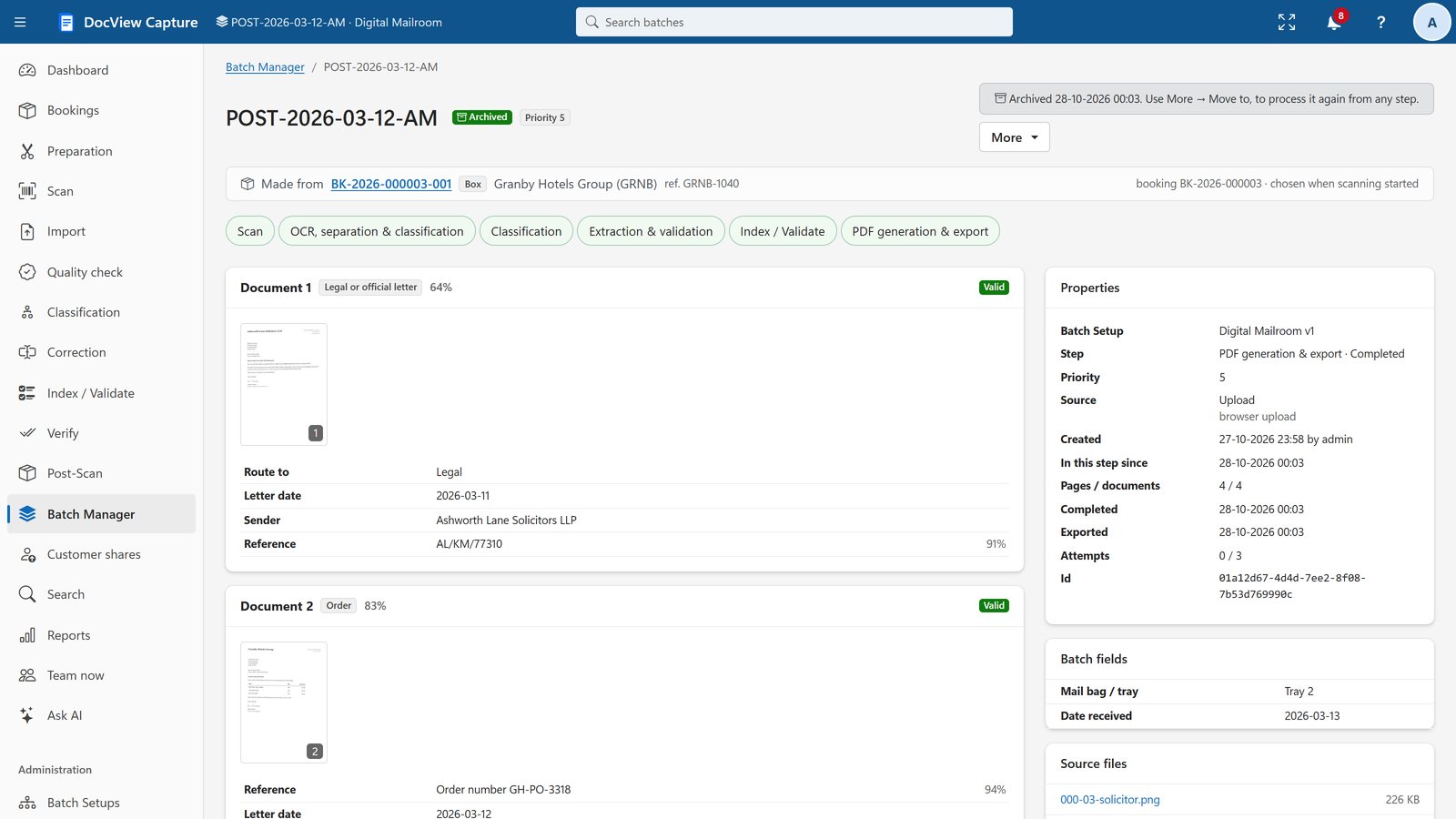
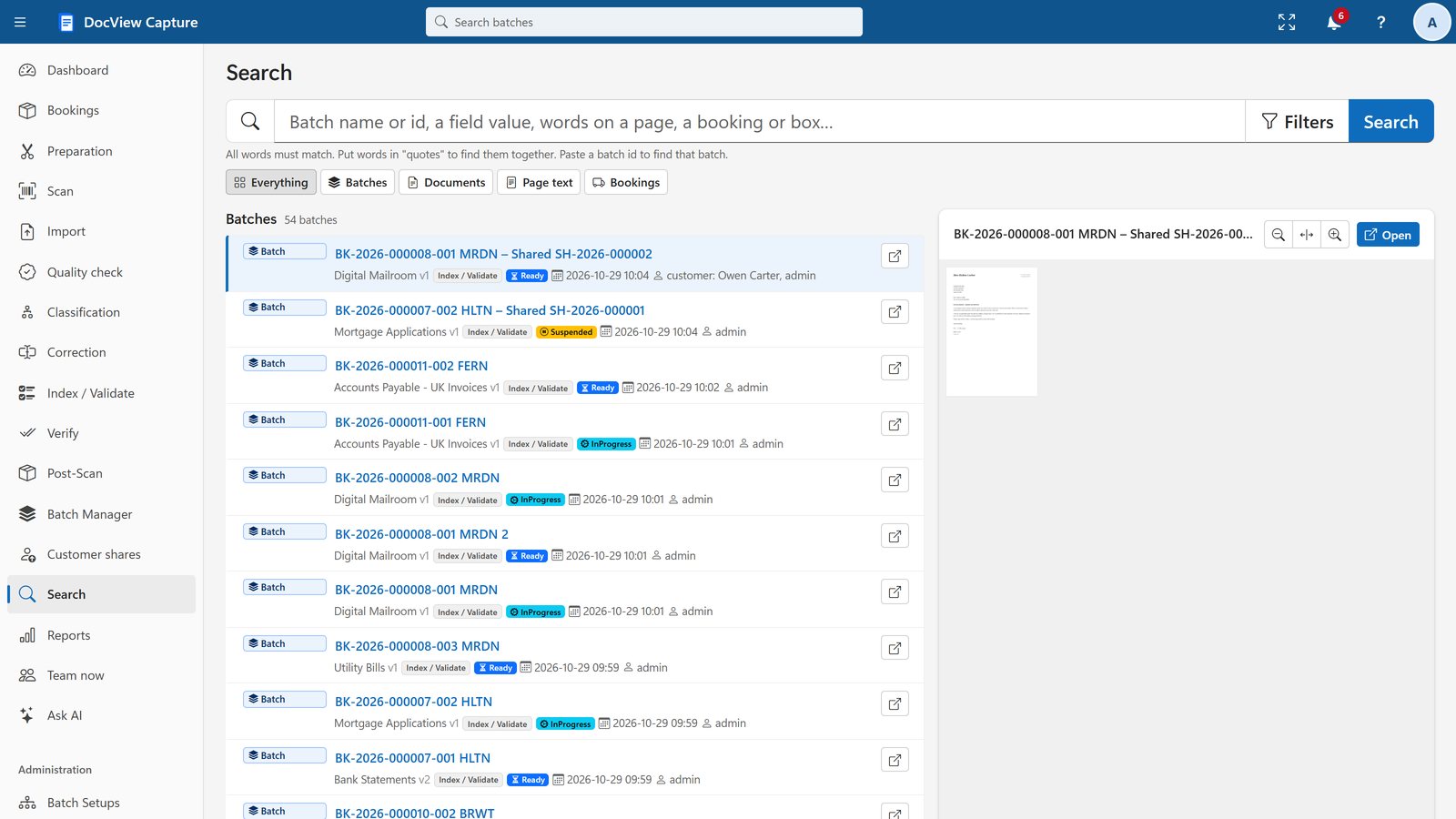
Batch Manager and Search
Find any batch, document or field value.
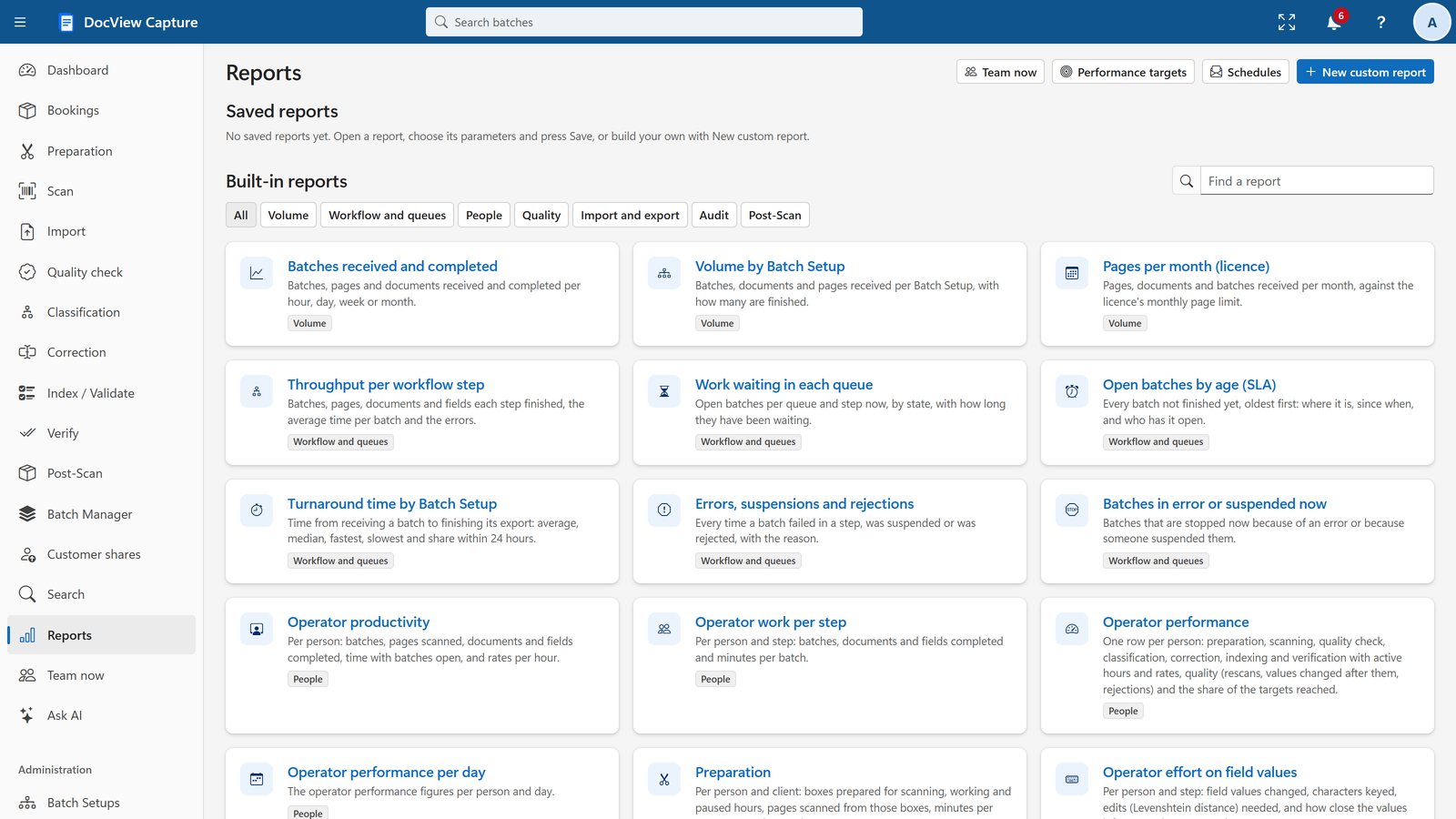
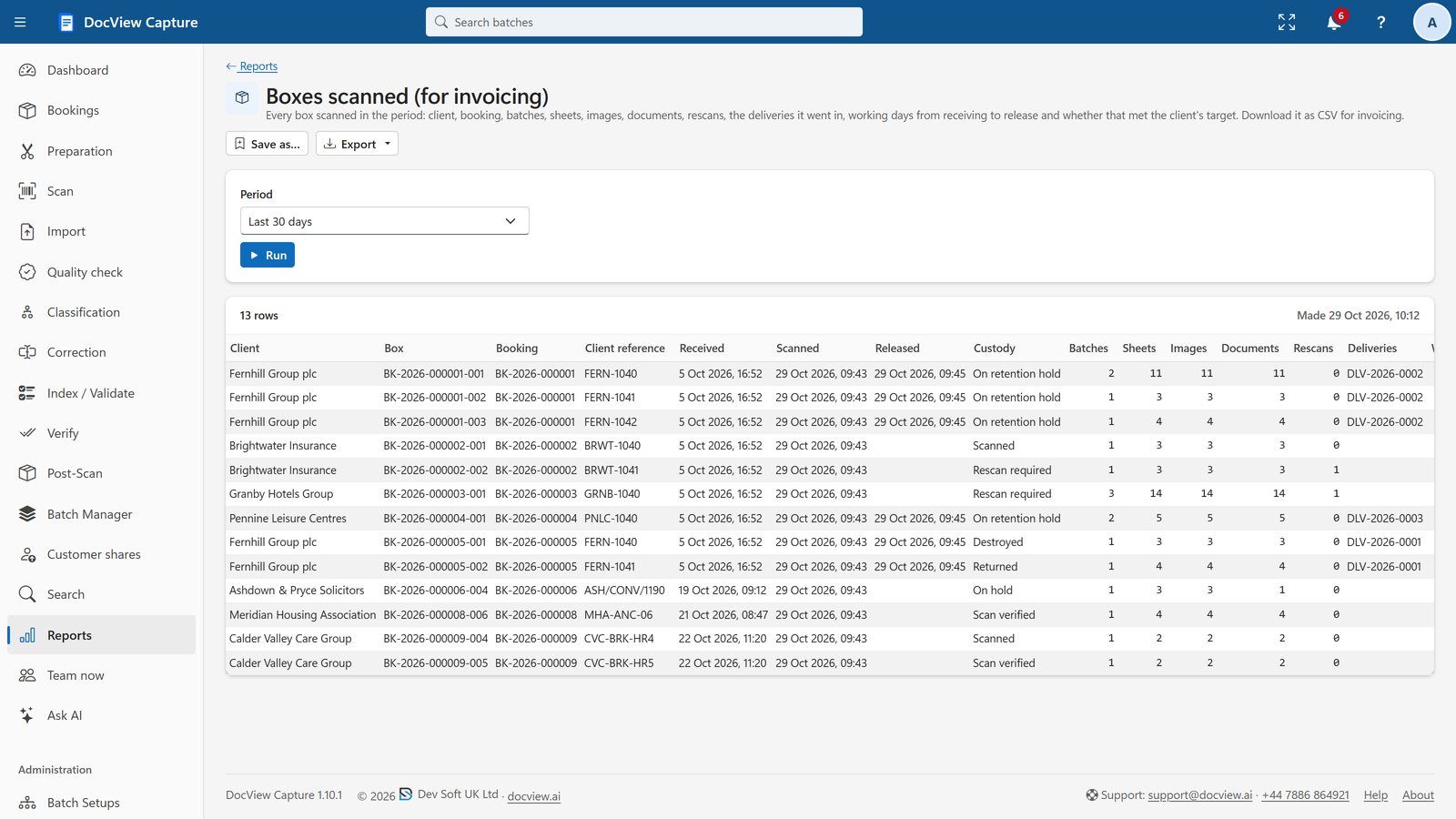
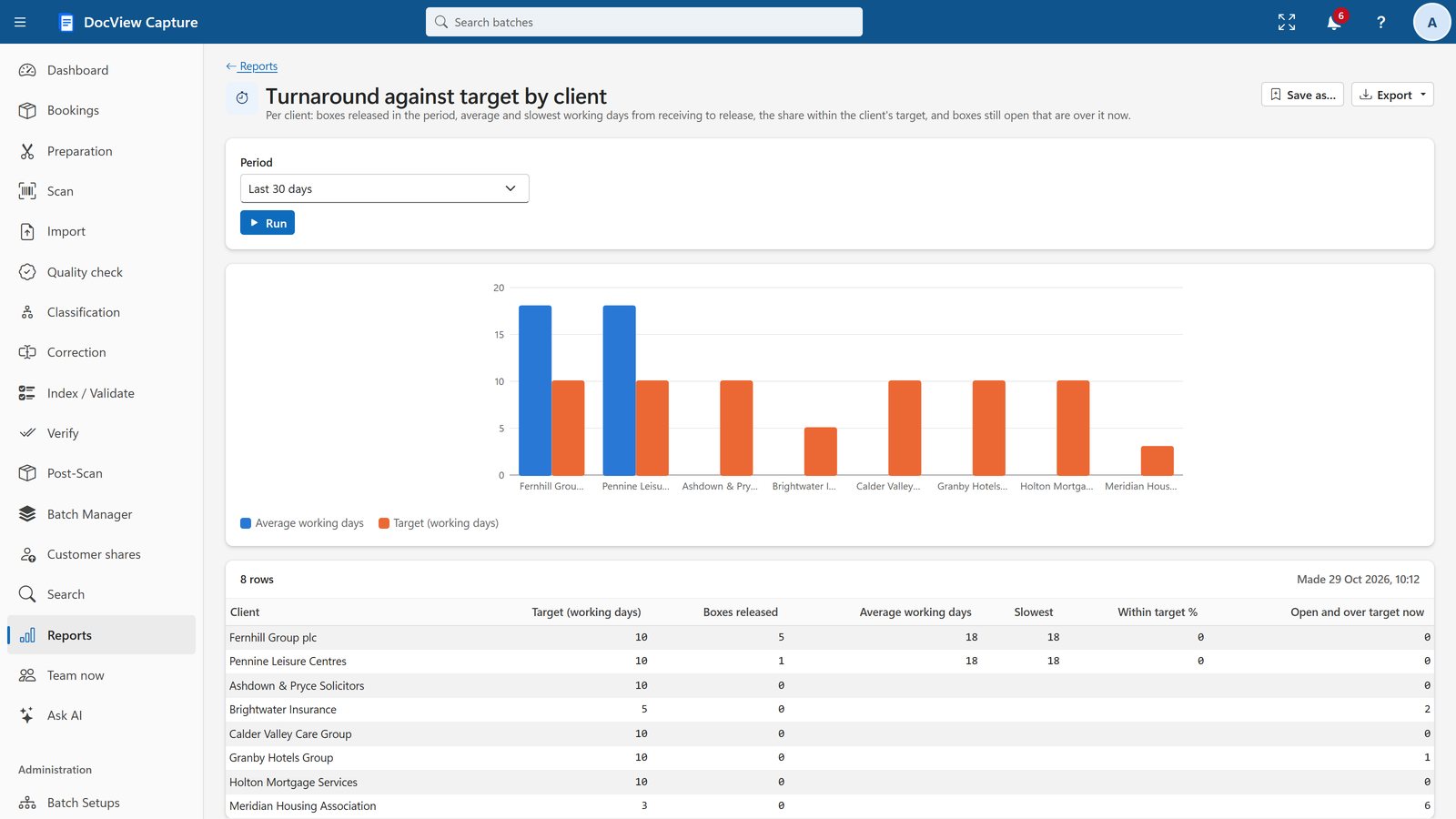
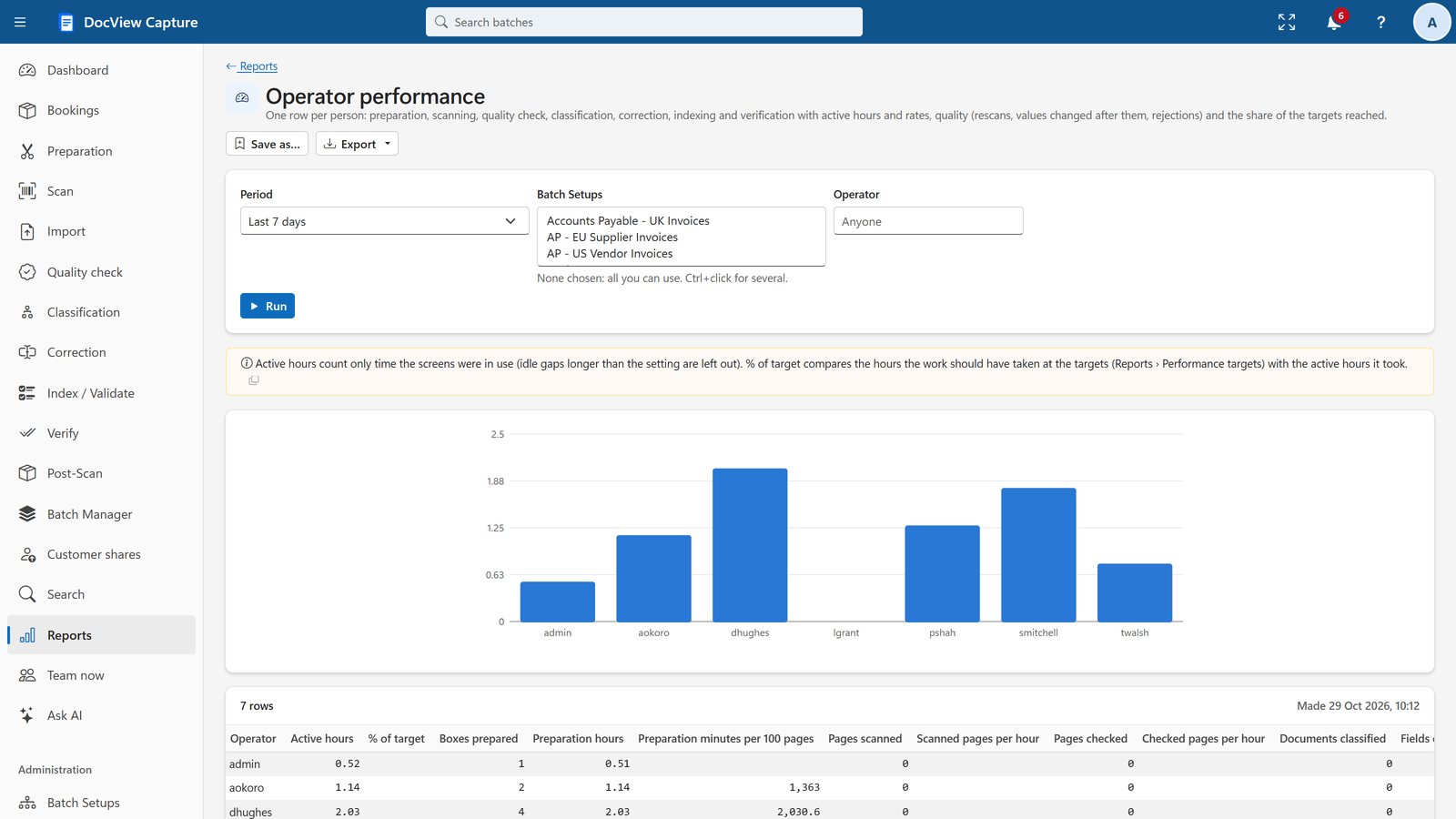
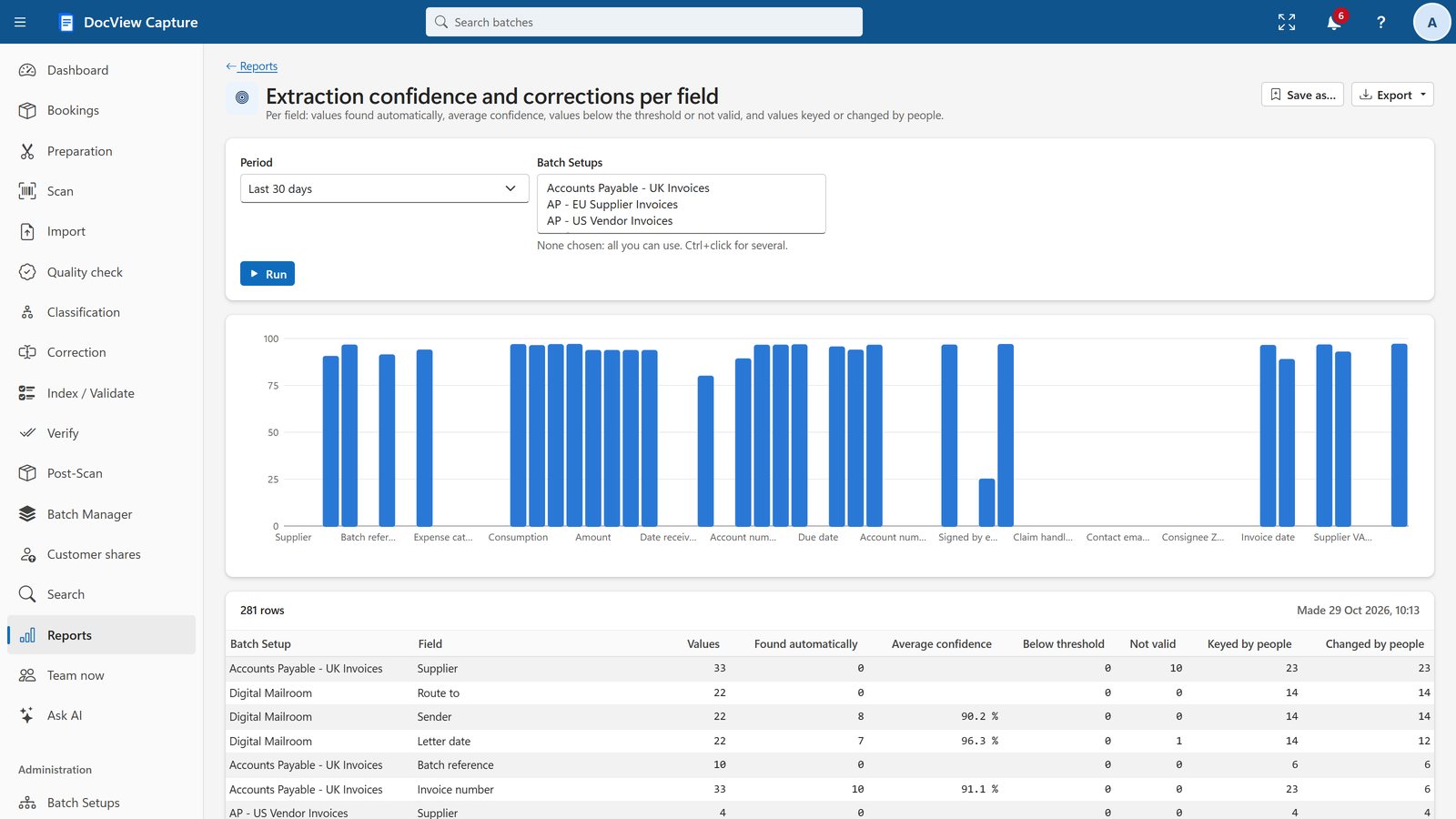
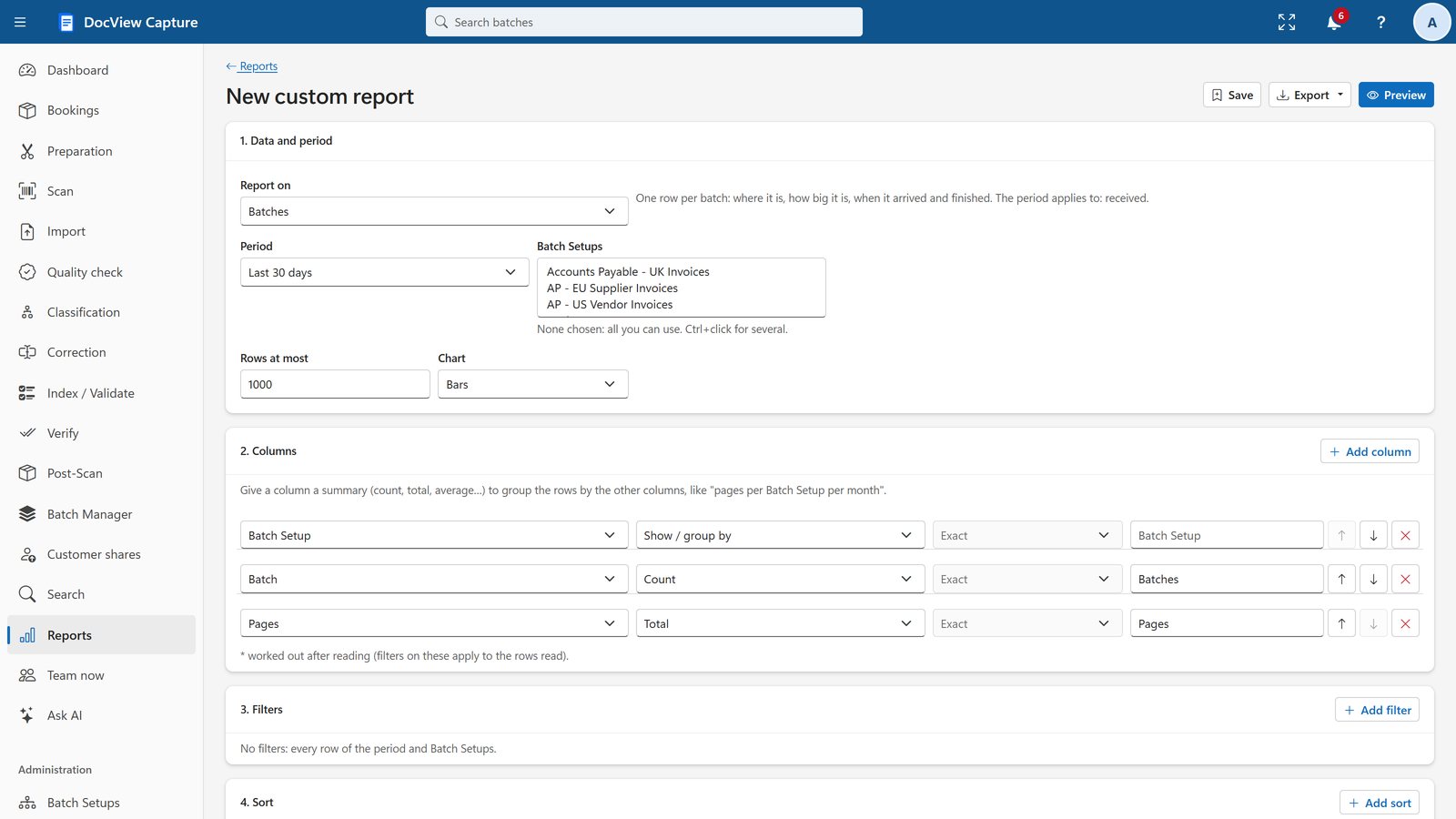
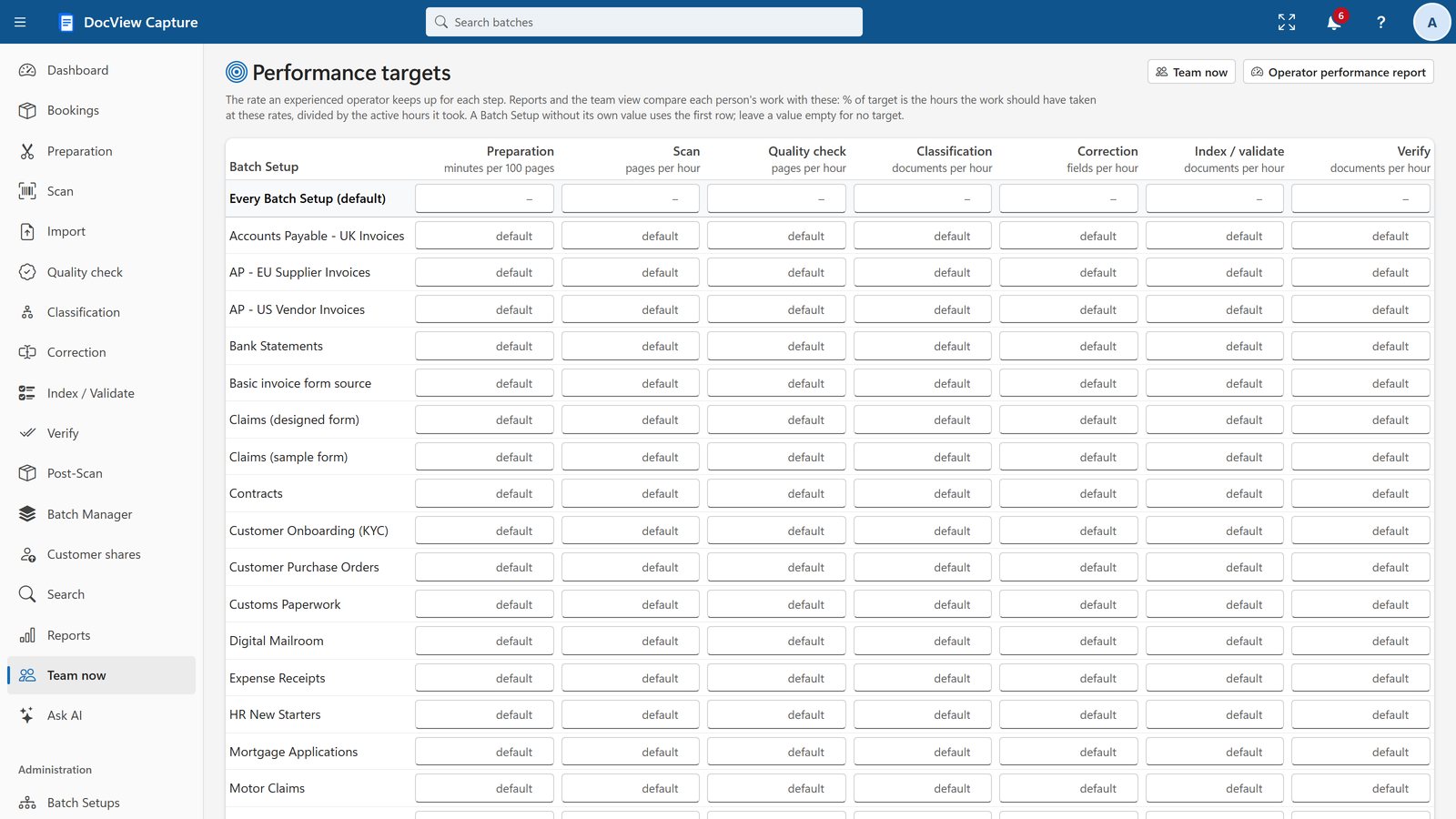
Reports and Operator Performance
Built-in and custom reports, and targets for operators.
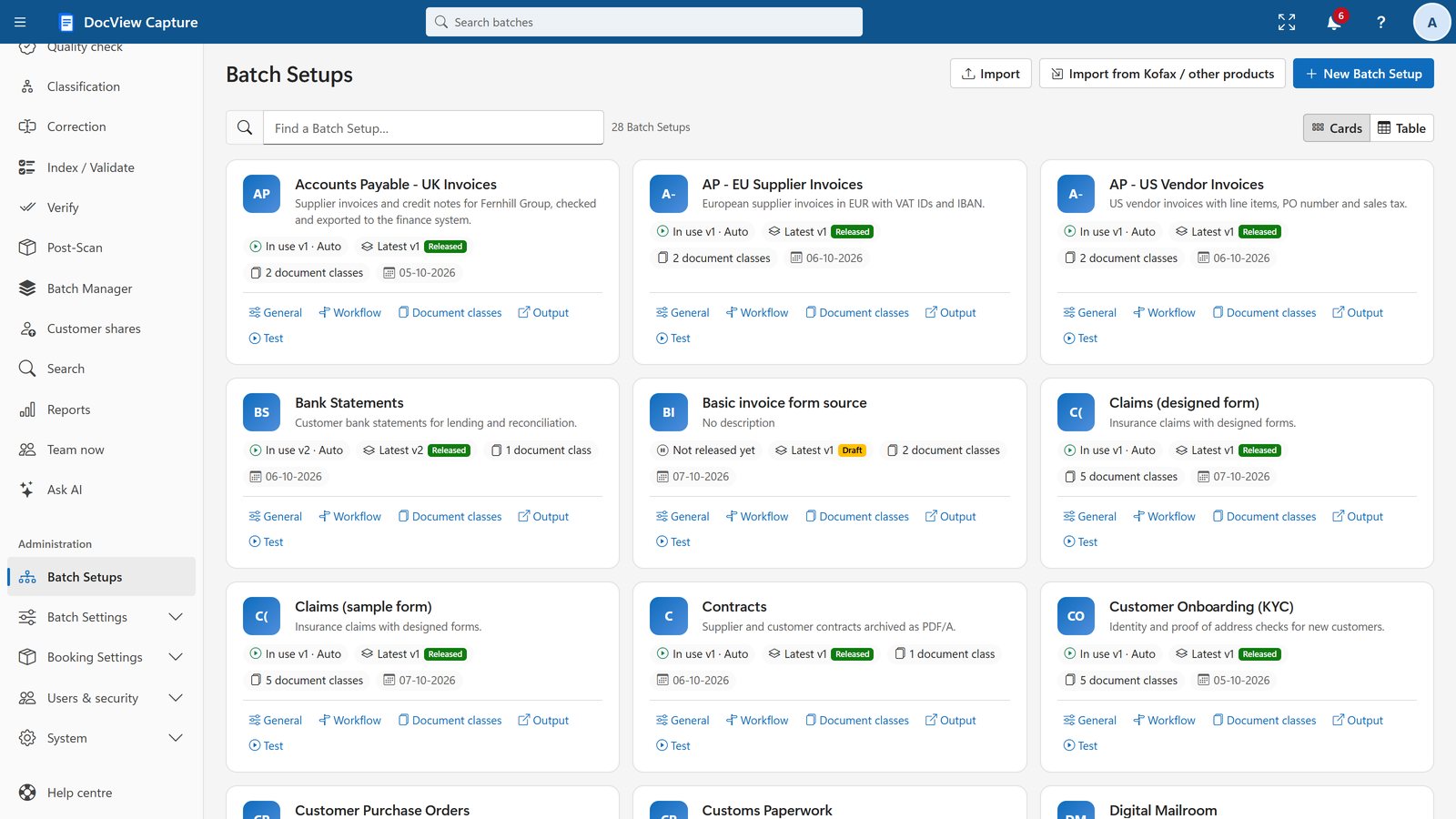
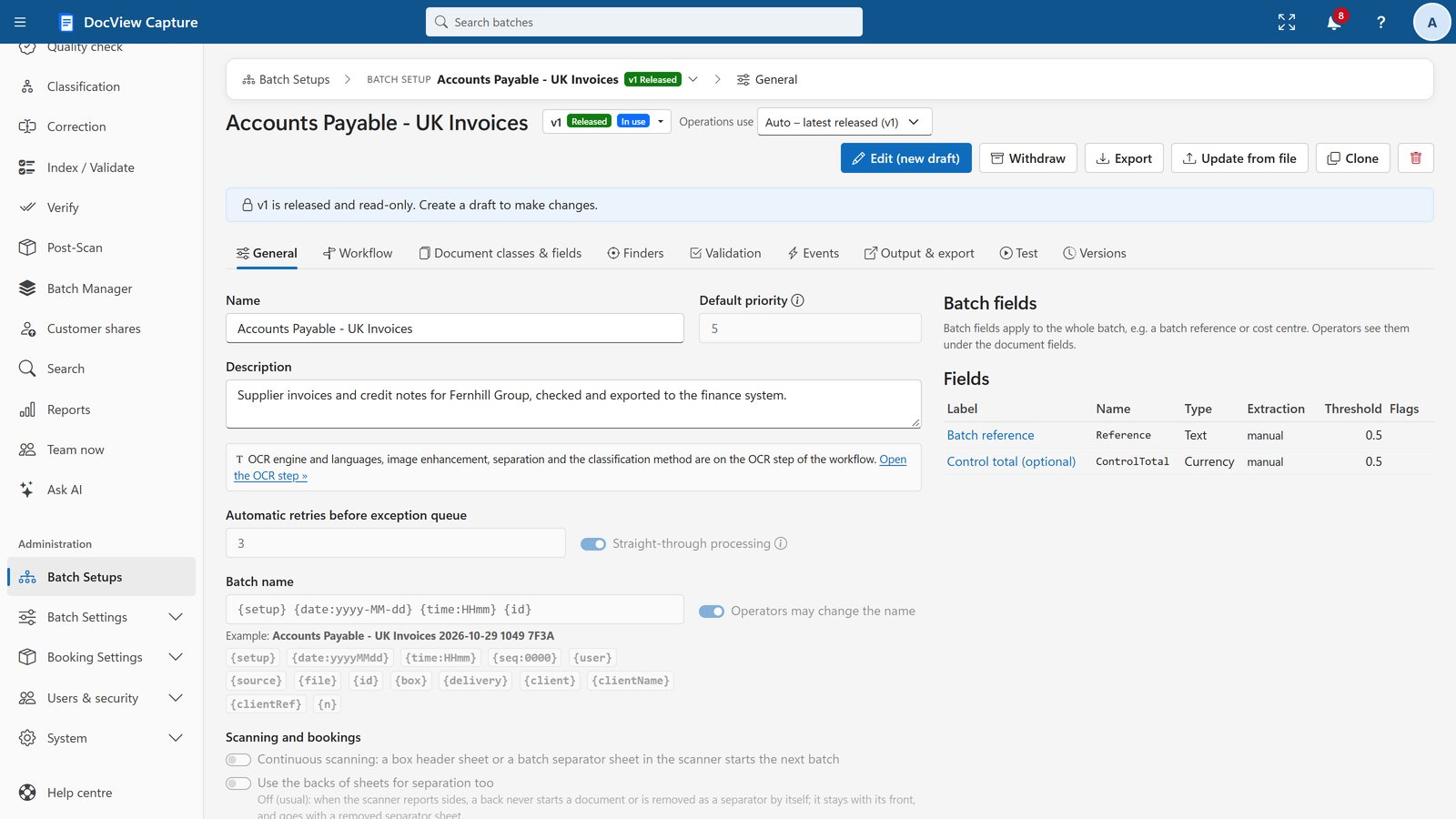
Batch Setup and Configuration
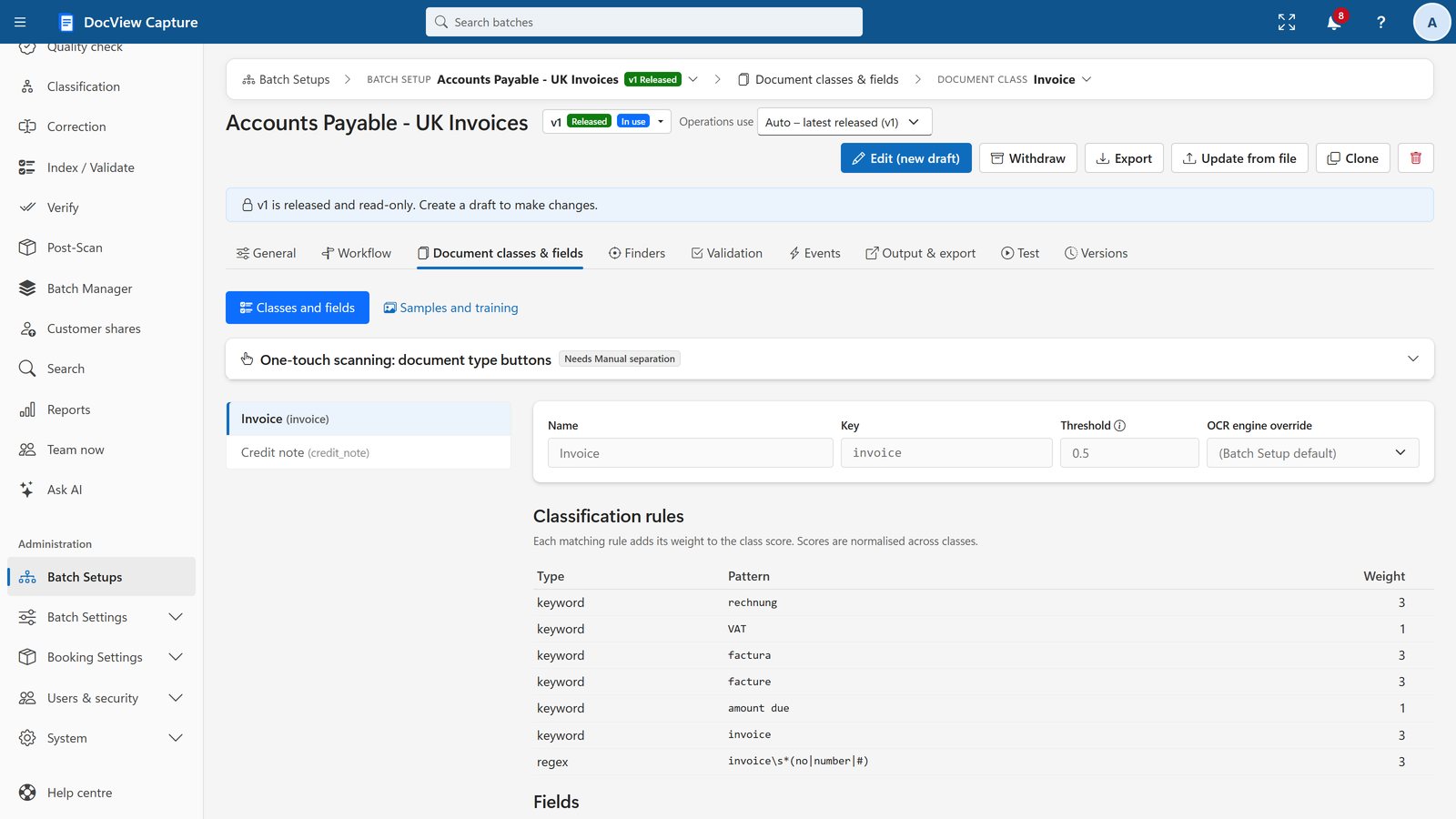
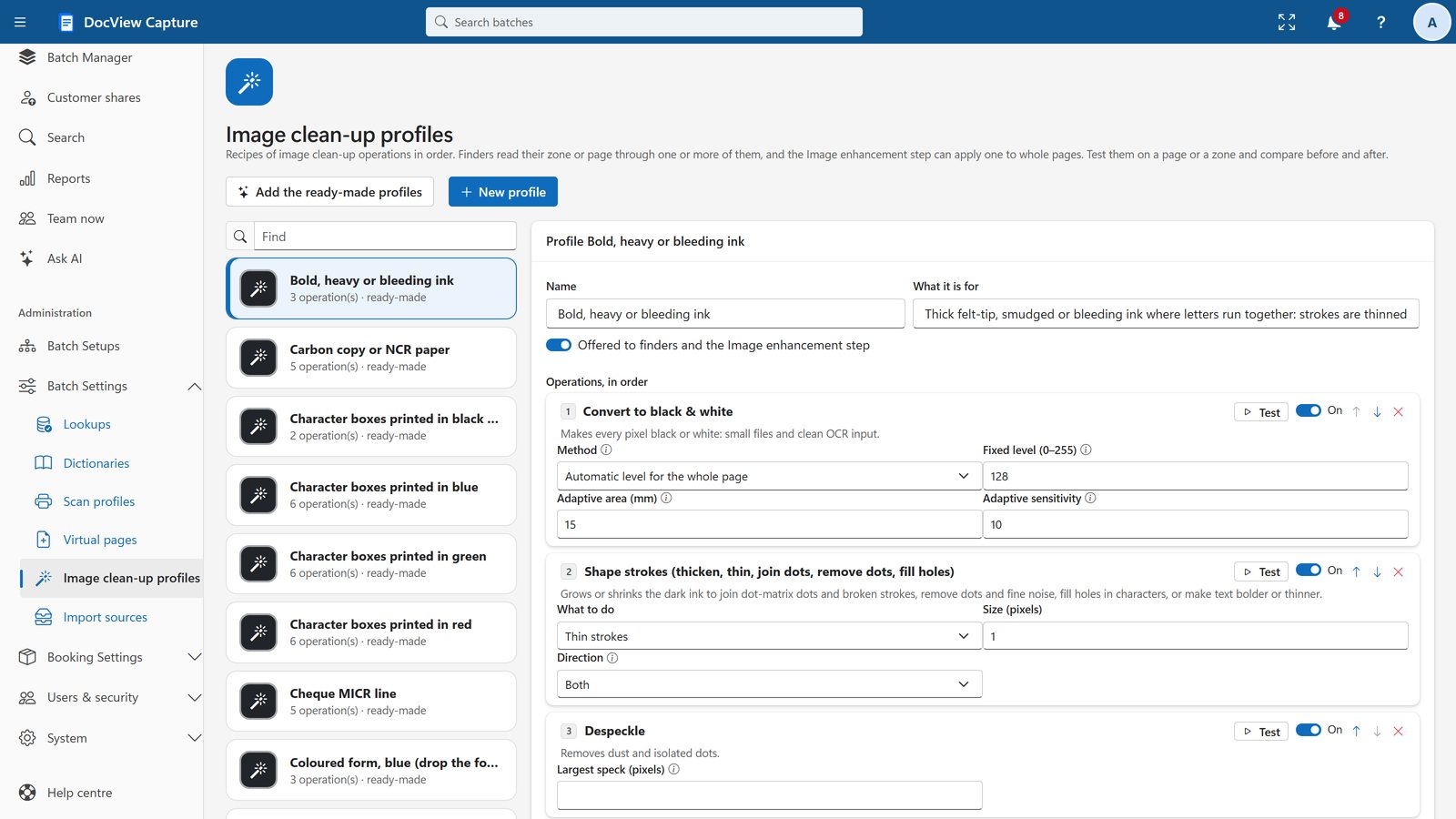
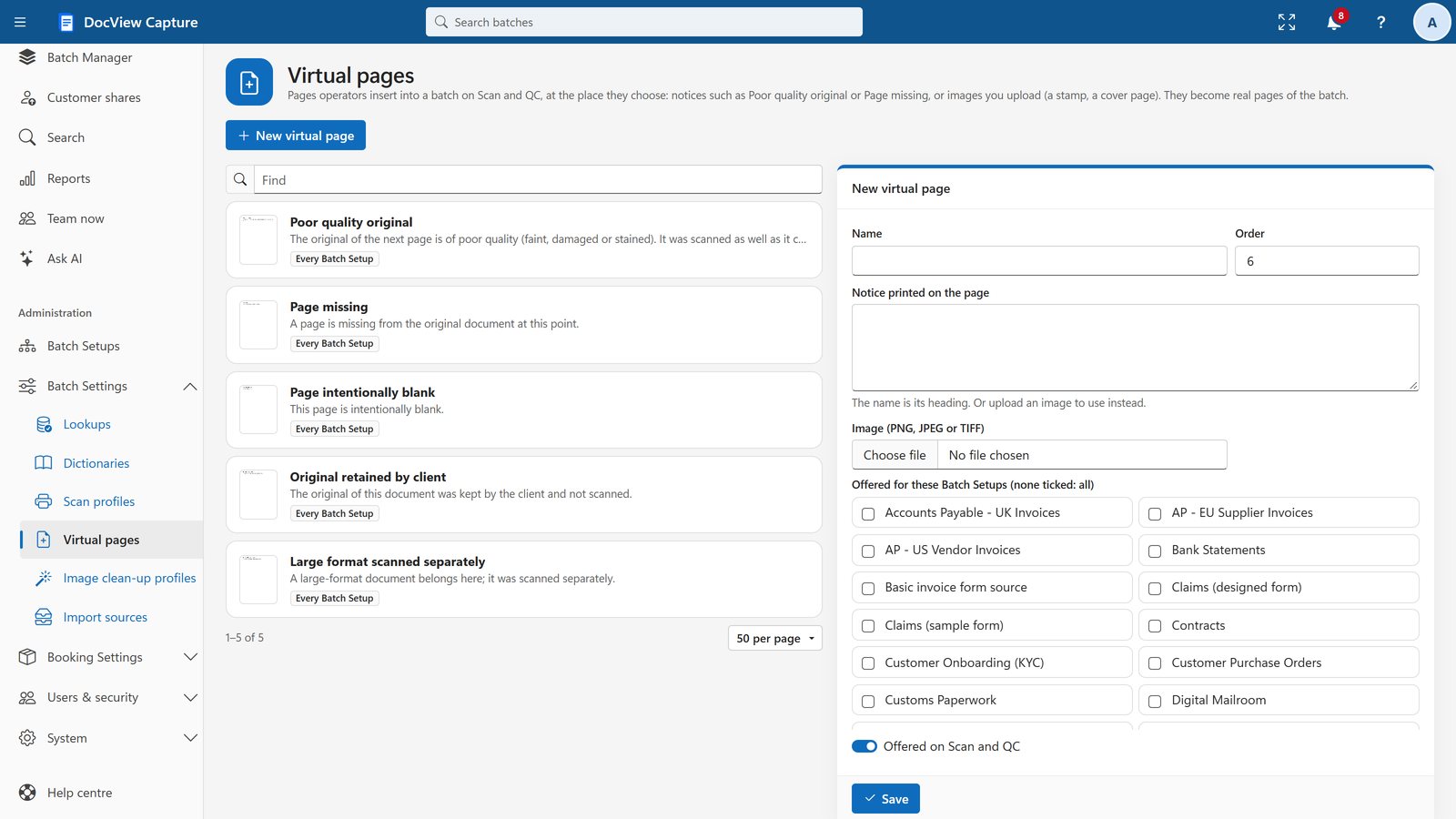
Describe one kind of work once: workflow, documents, fields, validation and clean-up.
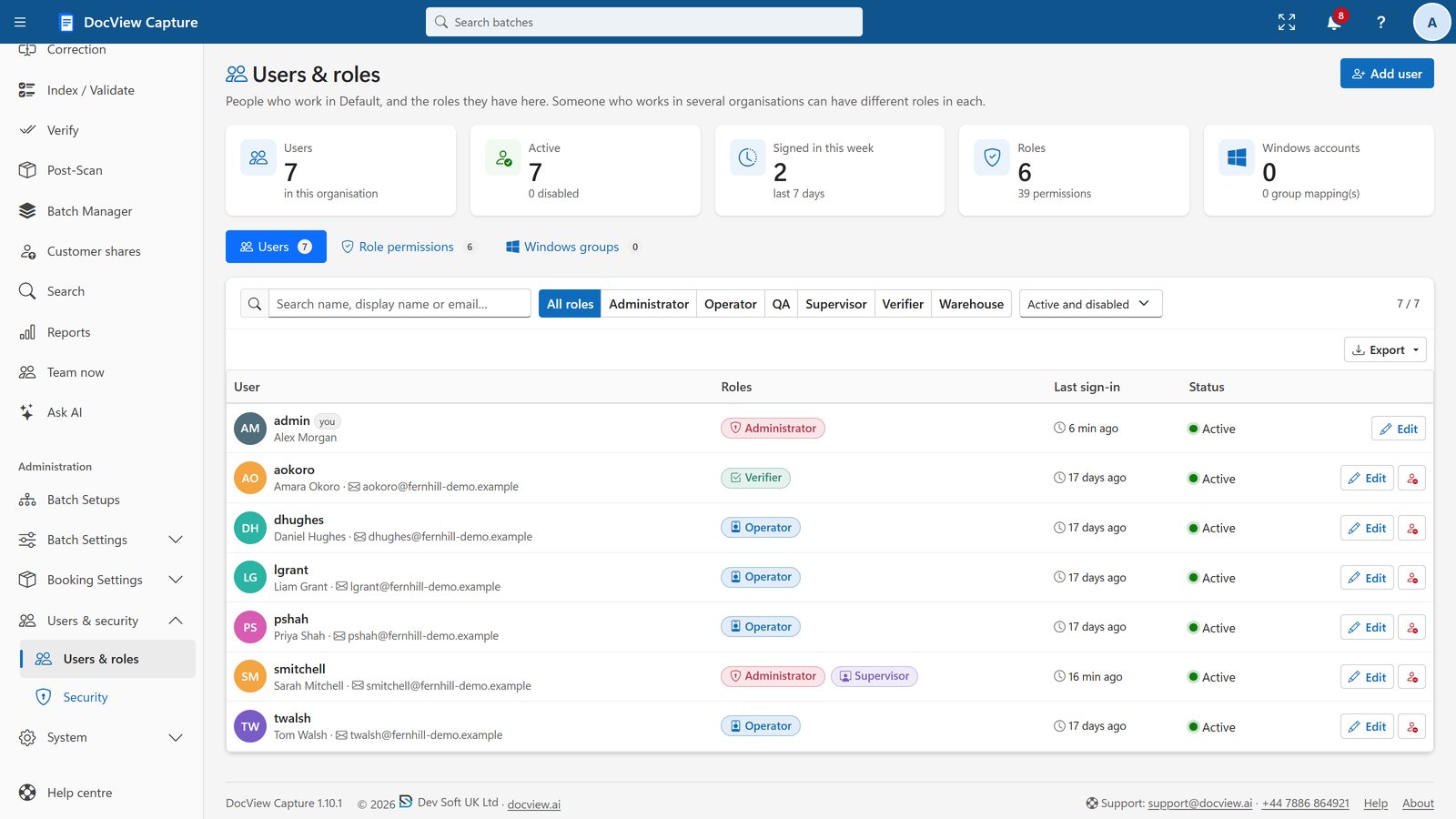
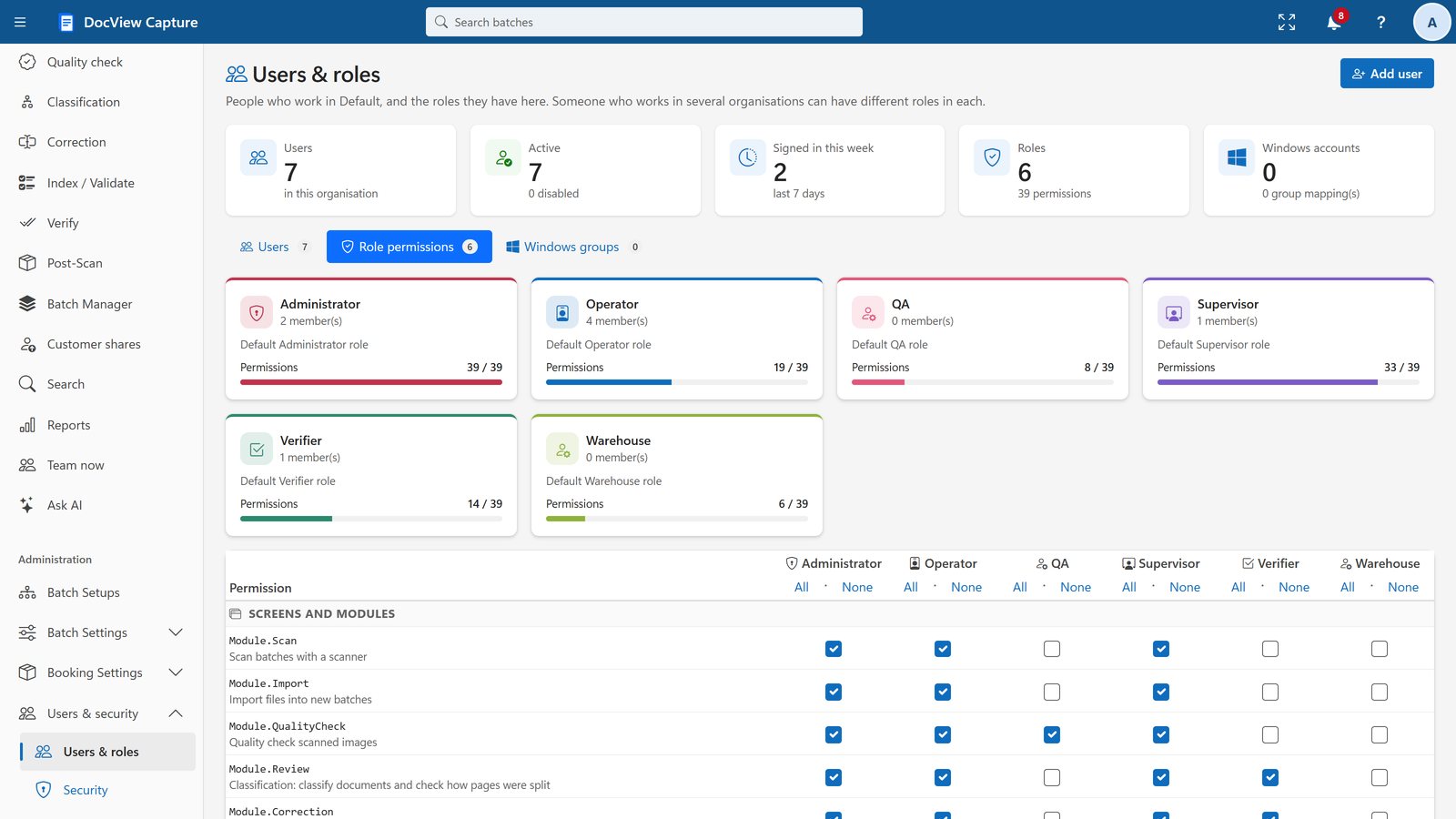
Administration and Security
Users, roles and what each role can do.
See it with your own documents
Start a 14-day online demo with no installation and no credit card, or ask us for a walkthrough for your team. Full product details are on DocView.AI.