Loading...

DocView Web App

The modern web application for your entire document lifecycle — with AI assistance, finance automation and visual workflows built in.

DocView Web App dashboard

Introducing DocView Web App

DocView Web App is the modern browser workspace for everything that happens after capture: manage documents, run finance processes, design workflows and collaborate securely — all in one application, with an AI assistant that answers questions straight from your documents.

  • AI chatbot that answers from your own documents
  • Built-in finance automation — POs, invoices, expenses, claims
  • Drag-and-drop workflow designer, tasks and reports
Schedule a Demo
Platform Highlights

See What DocView Web App Can Do

Real screenshots from the product — every capability below is covered in depth in the user guide.

DocView Web App dashboard with built-in AI chatbot

AI-Powered Dashboard

Your documents, one question away. The dashboard includes a built-in intelligent chatbot: ask a question in plain English and it searches your authorised documents, gives you a direct answer, and links the exact source PDF so you can verify it instantly.

Read the Dashboard guide
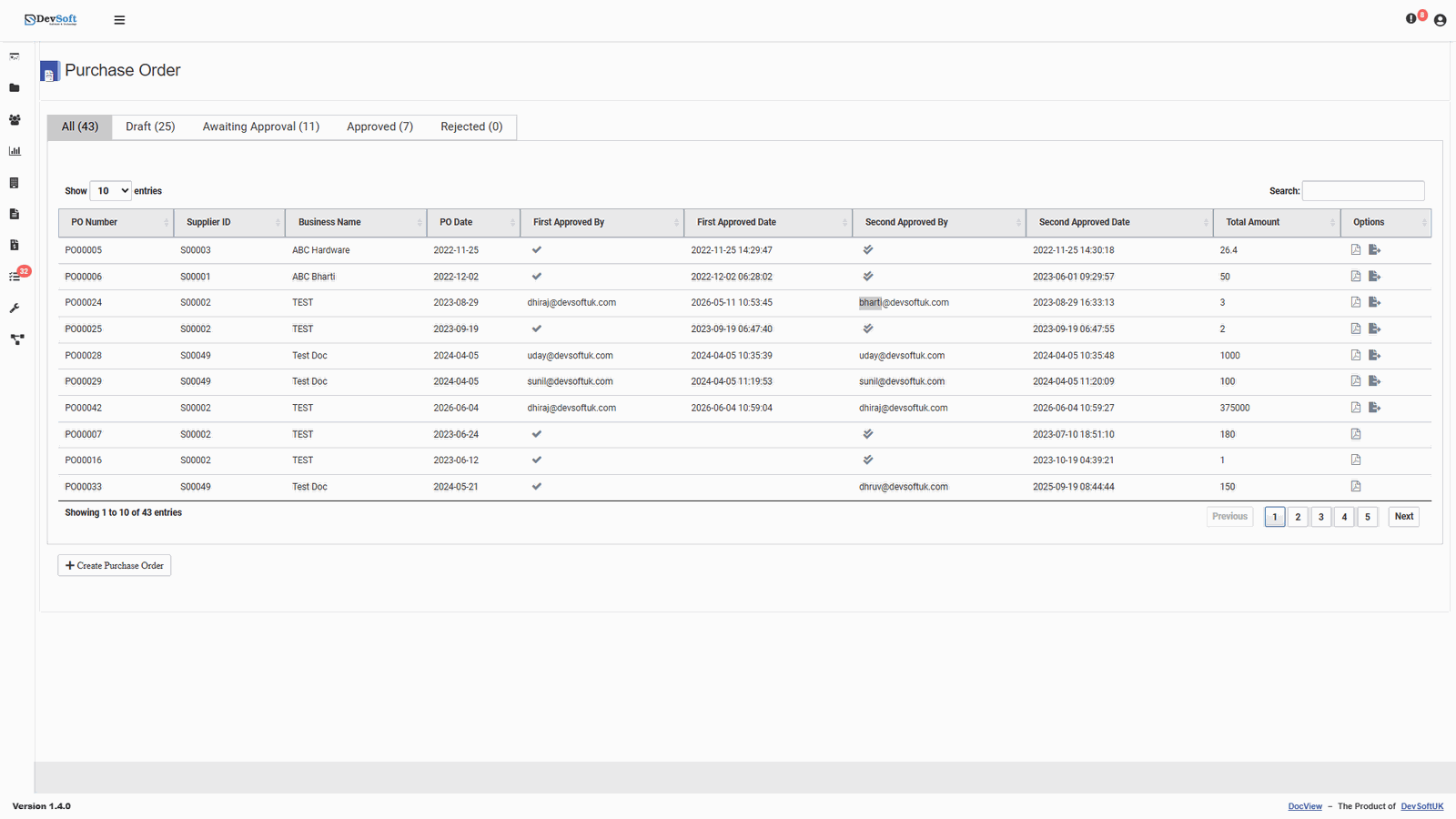
Purchase orders list in DocView Web App

Invoice Verification & PO Approval

A specialised workspace for accounts-payable teams to match supplier invoices against purchase orders and delivery notes. Discrepancies are flagged early — preventing overpayments, duplicate payments and supplier friction — while approval workflows keep every purchase order moving.

Read the Invoice Verification guide
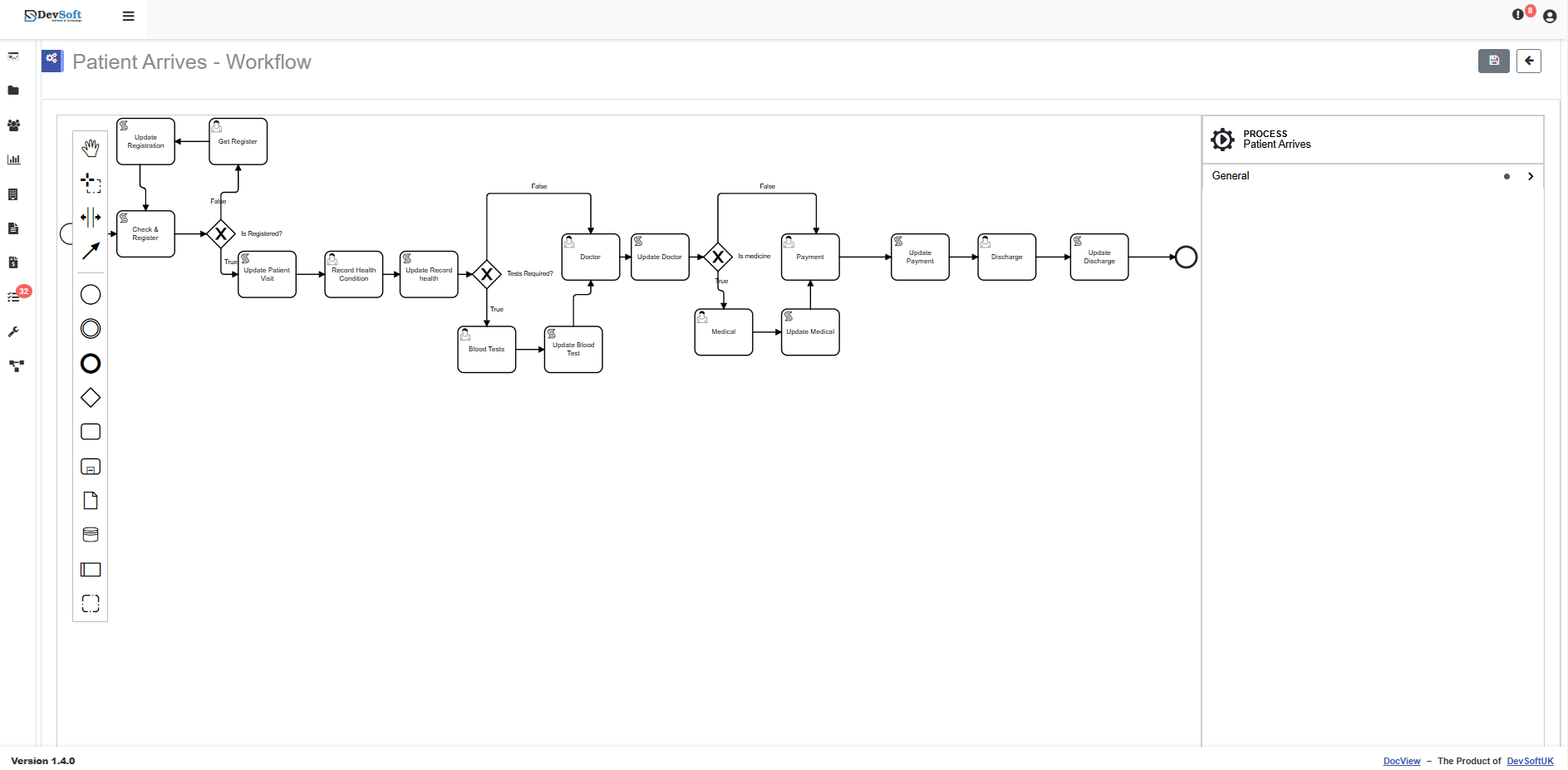
Drag-and-drop workflow designer in DocView Web App

Visual Workflow Designer

Design your document processes on a drag-and-drop canvas. Route documents through approvals, reviews and sign-offs exactly the way your organisation works — no code required.

Read the Workflow Designer guide
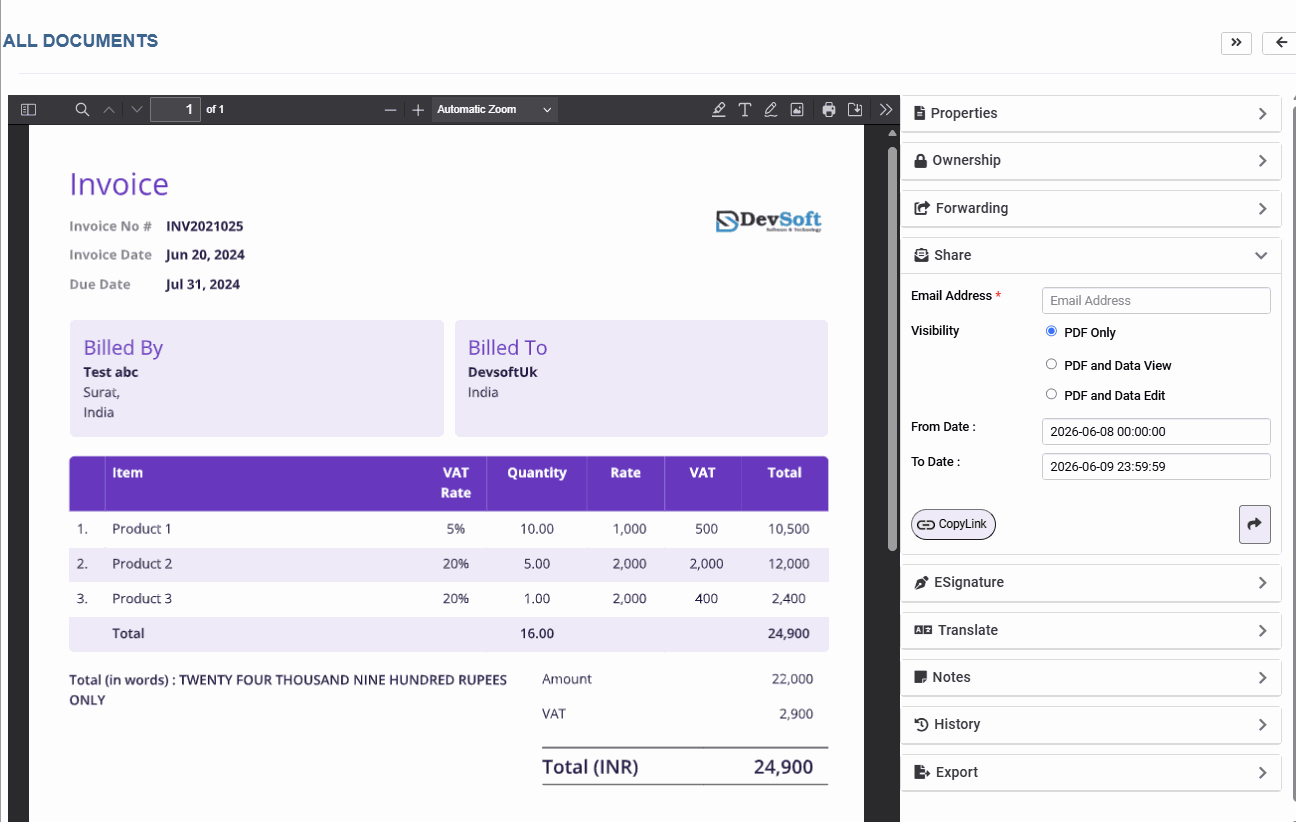
Secure document sharing dialog in DocView Web App

E-Signatures & Secure Sharing

Collect legally-binding e-signatures and share documents securely with colleagues or external parties — with full control over who sees what, and a complete history of every action.

Read the E-Signatures guide

Core Features Overview

A closer look at everyday screens in the Web App — click any card to zoom in.

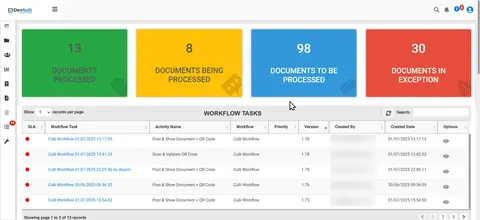
Customised Dashboard and Reports

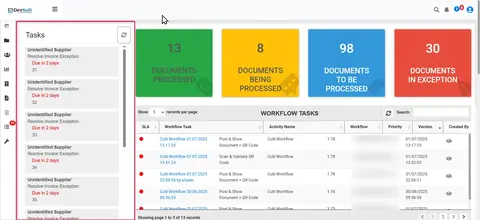
Track the performance of your document workflows in real time. The dashboard displays processed documents, documents in progress, pending items, and exceptions. Get a snapshot of storage usage and document volume to stay in control at a glance.

E-Signature
E-Signature

Secure approvals without the paper trail. DocView Web lets you send documents for digital signature via email, speeding up your review and authorisation process. Add recipient emails, customise the message, and track signing status, all within a few clicks. Click the image to see it in action!

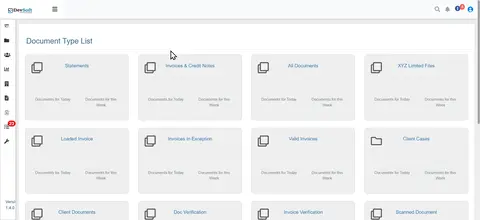
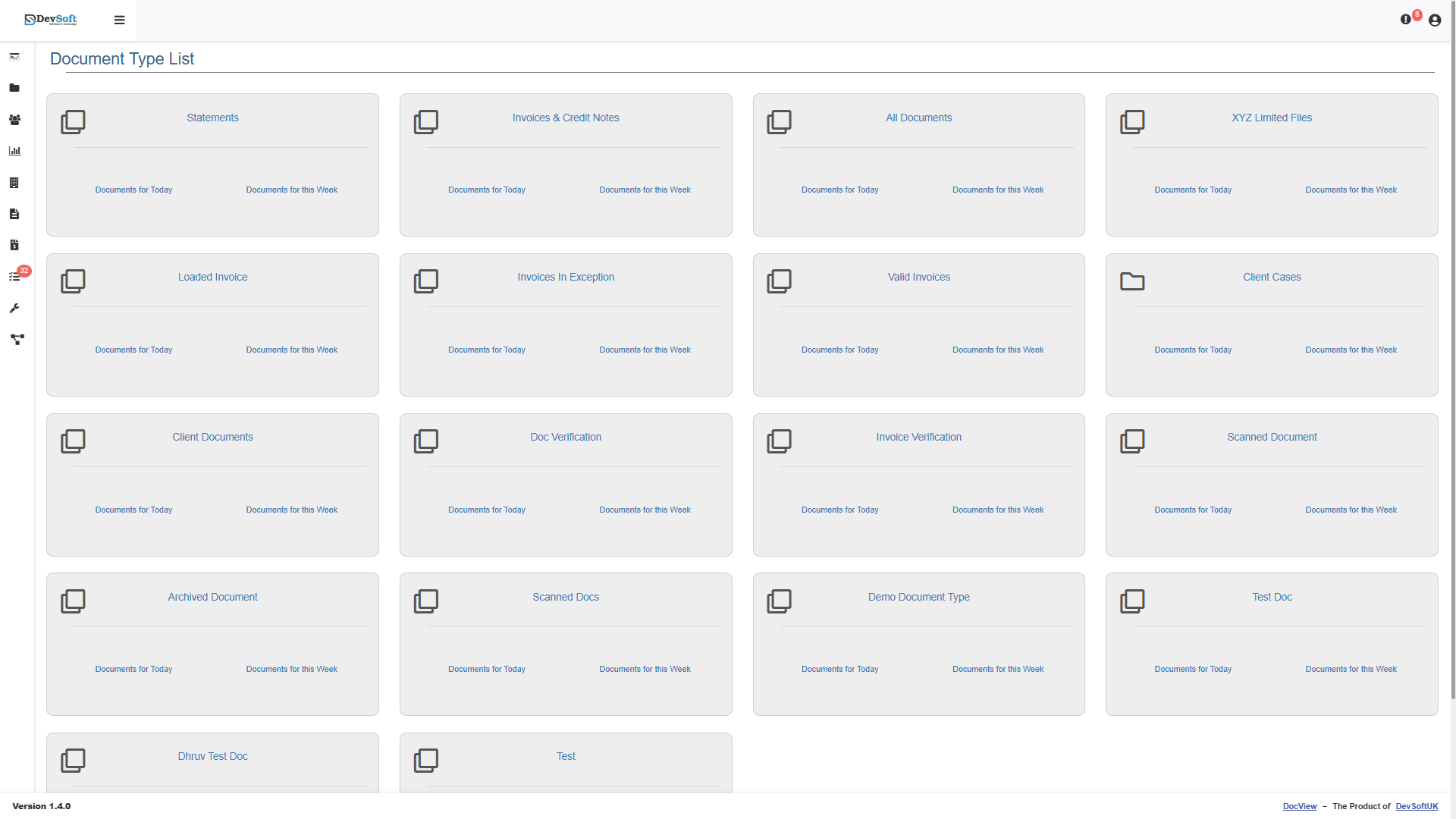
Document Types and Setup

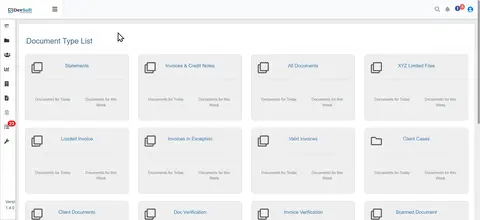
Easily manage different applications tailored to your document types. View and organise uploaded documents within each application for structured, hassle-free access.

Tasks
Tasks

Stay ahead of your deadlines. The Tasks screen highlights missing or due information, helping users act quickly without searching through records or clicking away. Everything you need is on one screen.

Document Search
Document Search

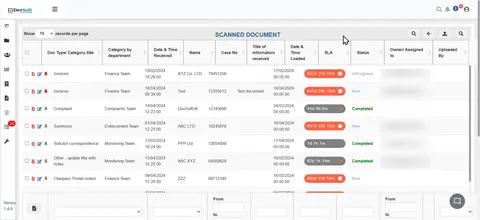
Powered by intelligent AI, DocView Web enables fast and accurate document search. Locate files based on content, metadata, or advanced filters, even in complex or scanned documents. Click the image to see it in action!

Document Sharing
Document Sharing

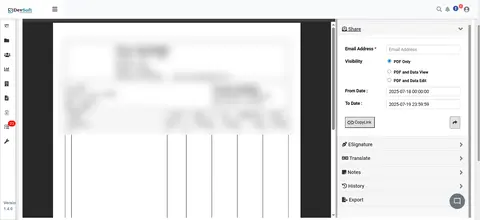
Share documents securely via email with built-in time-limited access controls. Simplify collaboration by sending files directly from DocView Web. No downloads or third-party tools required. Click the image to see it in action!

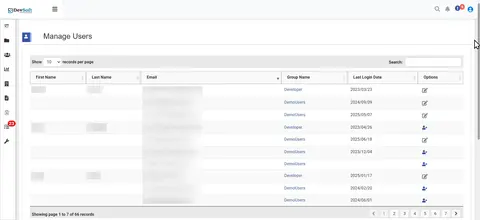
Manage Users
Manage Users

Handle user roles and permissions effortlessly. Create, edit, or delete users and manage groups with full administrative control, all in a user-friendly interface.

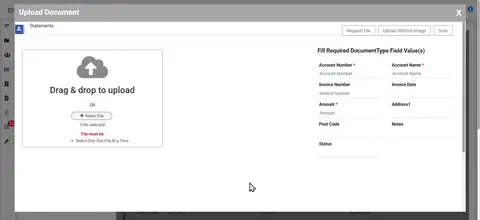
Upload to DocView
Upload to DocView

Upload documents directly into the right application. Whether scanning or uploading from file, users can input document data during the upload process, streamlining classification and indexing.

What's Inside

Every Module, One Application

Click any module to read its chapter in the user guide.

Ready to streamline your document processing?

See DocView in action with a personalised walkthrough for your team.

Schedule a Demo